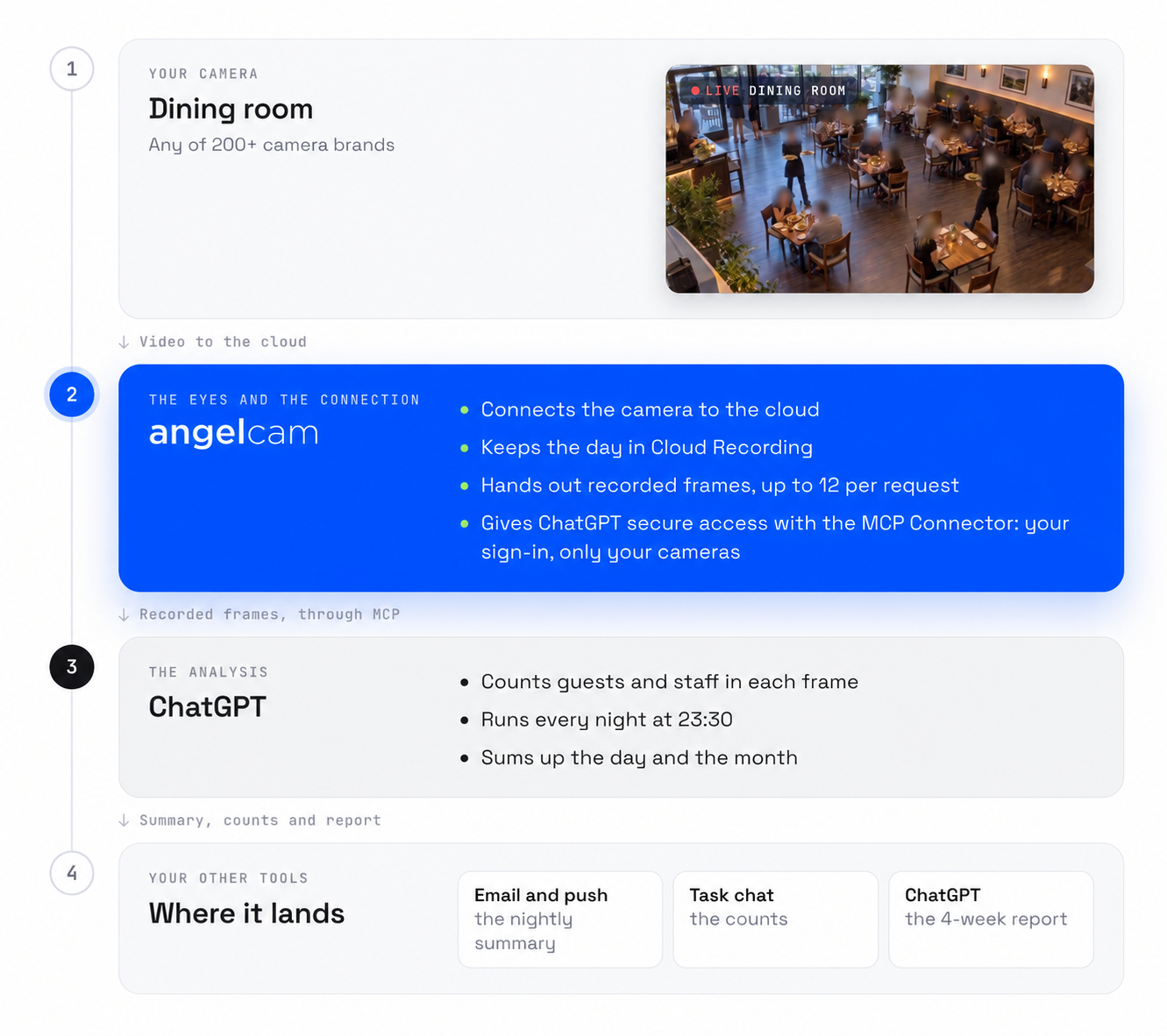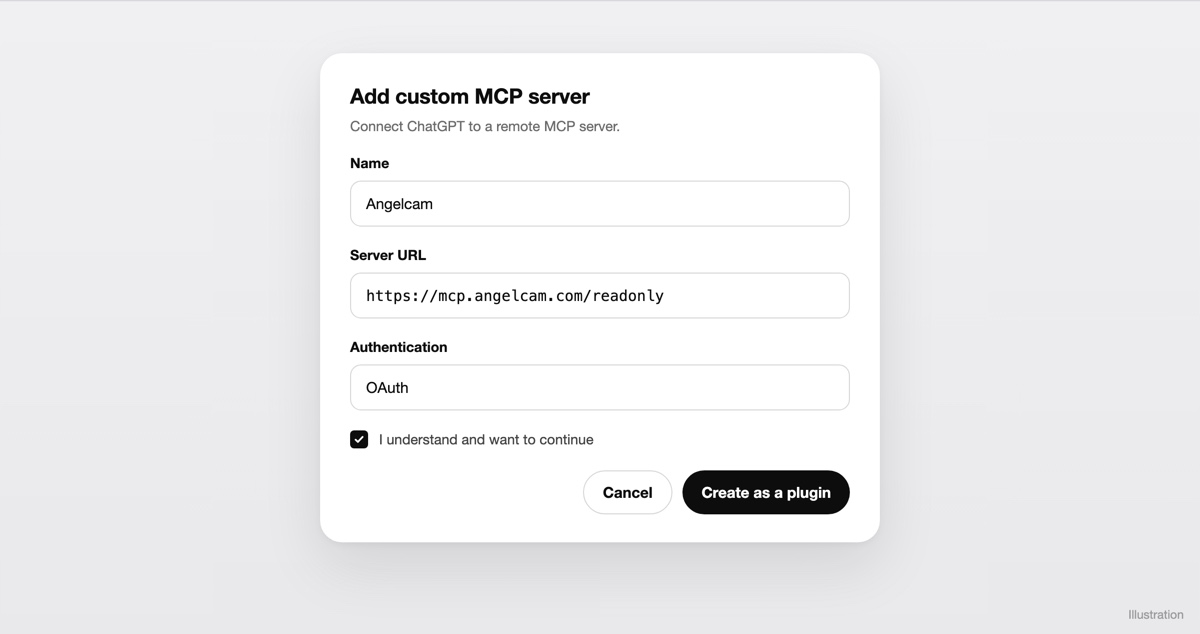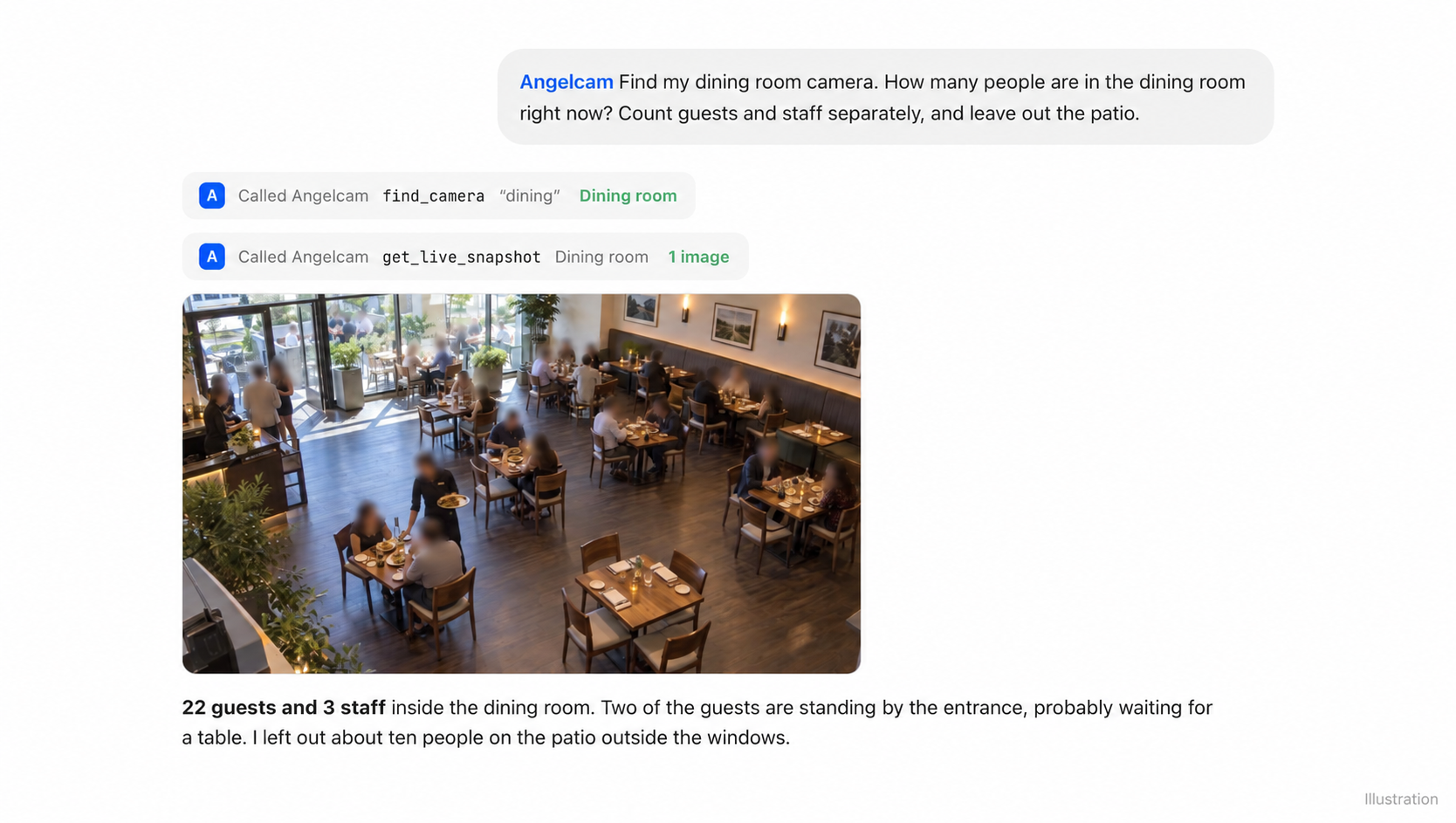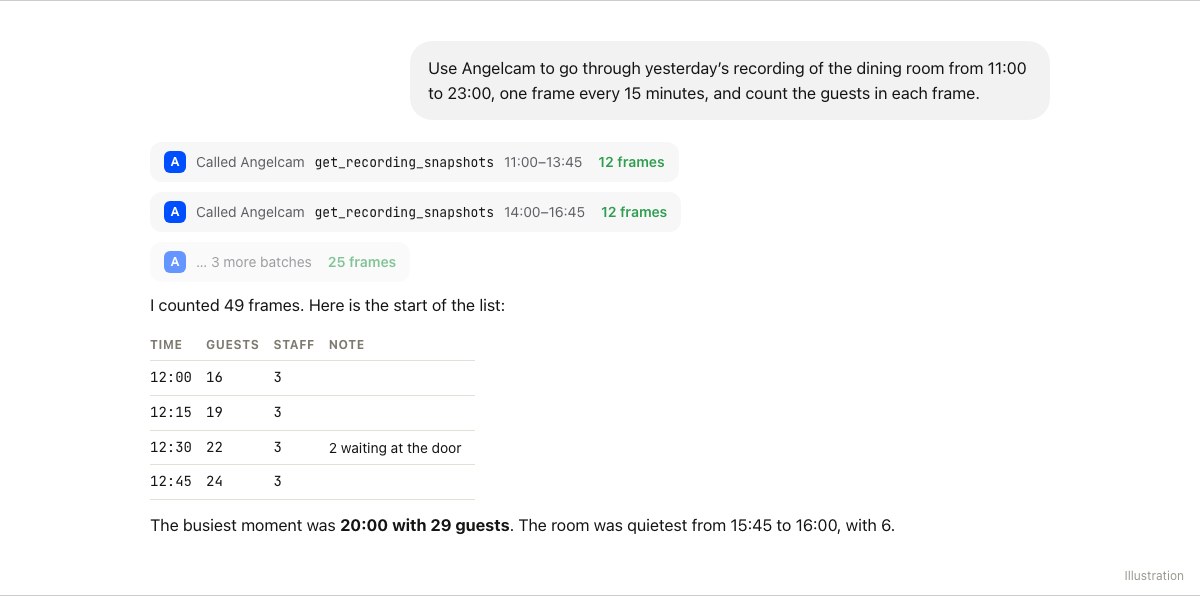
Check from now on
Live snapshots
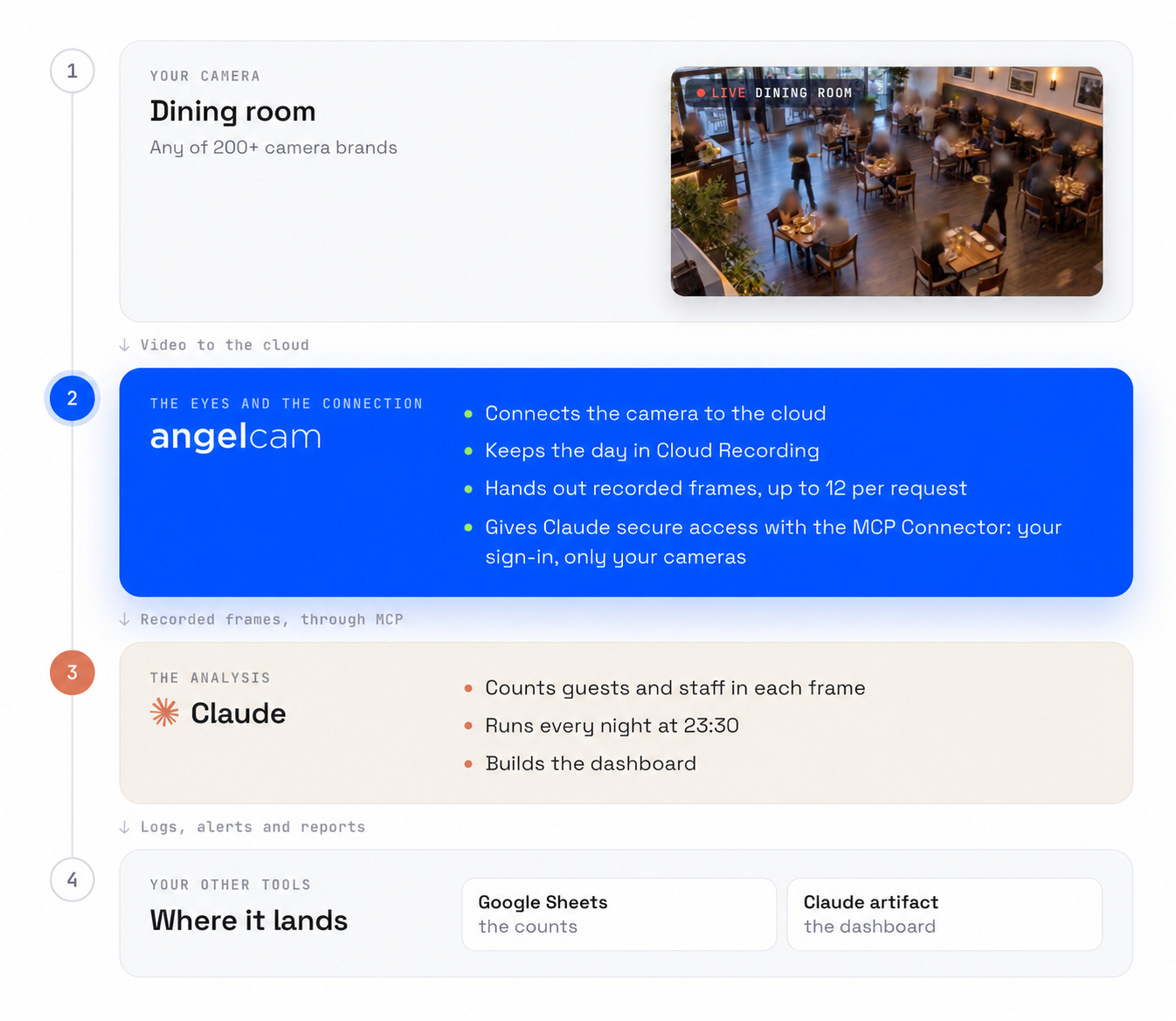
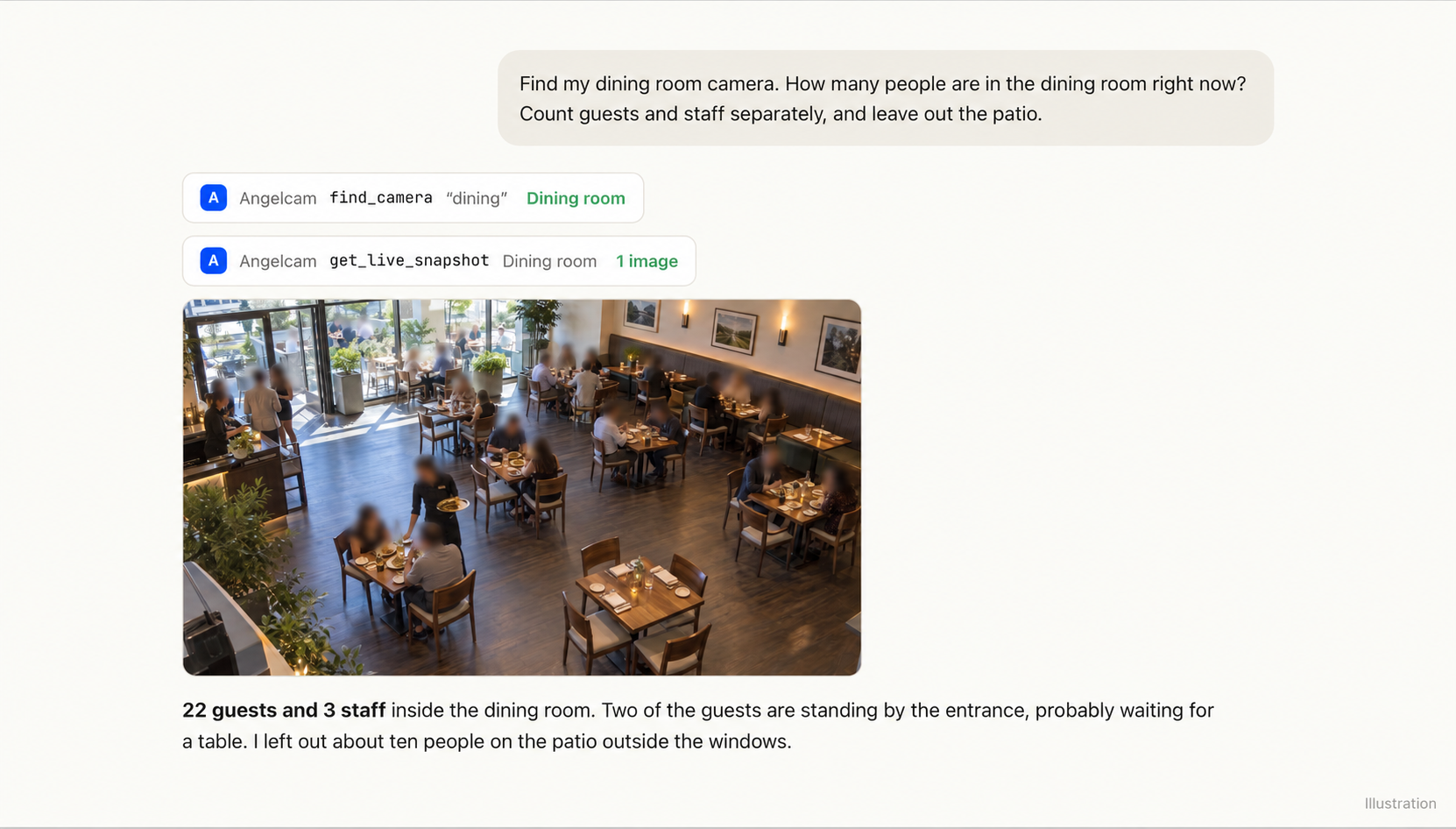
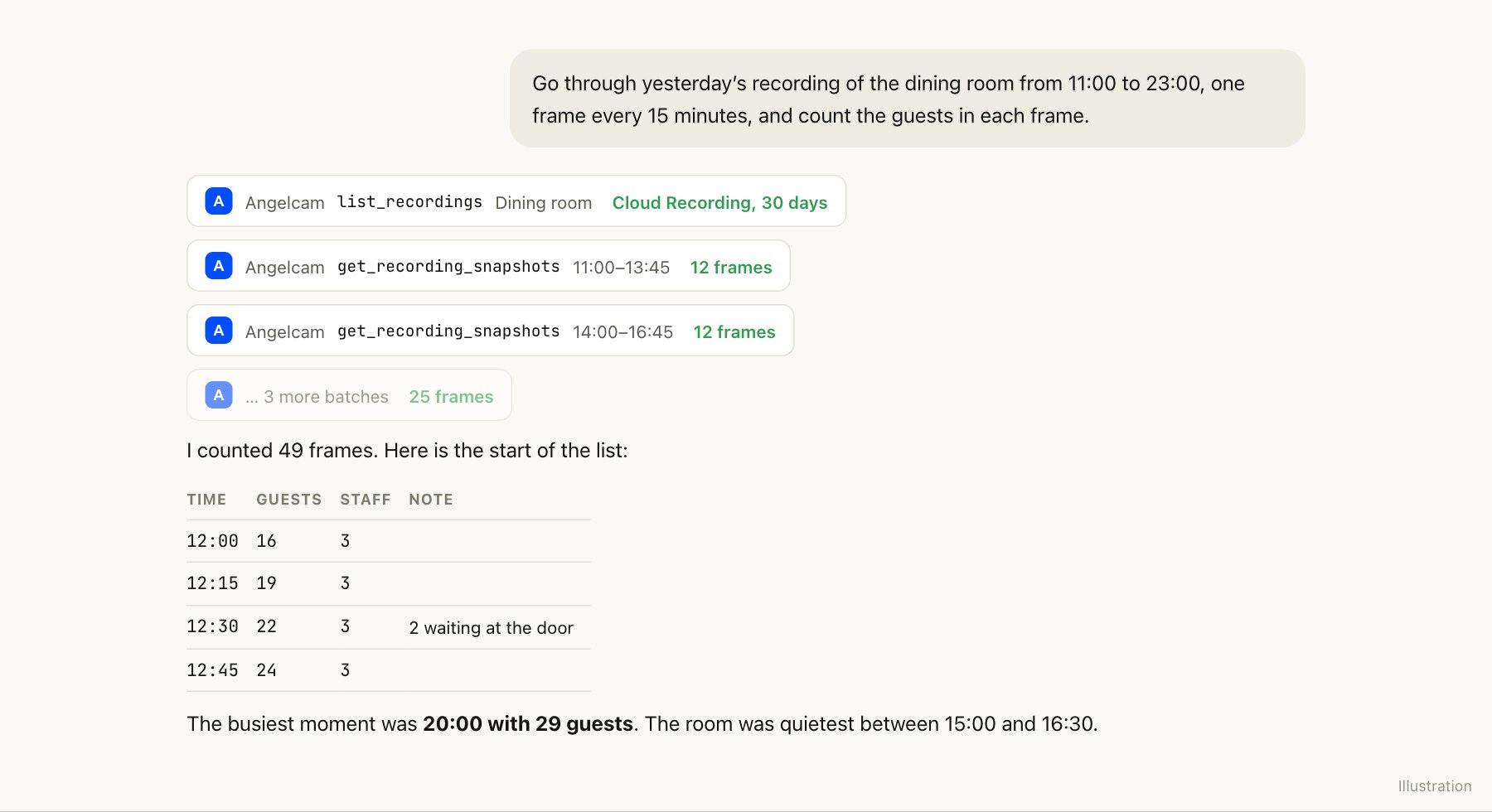
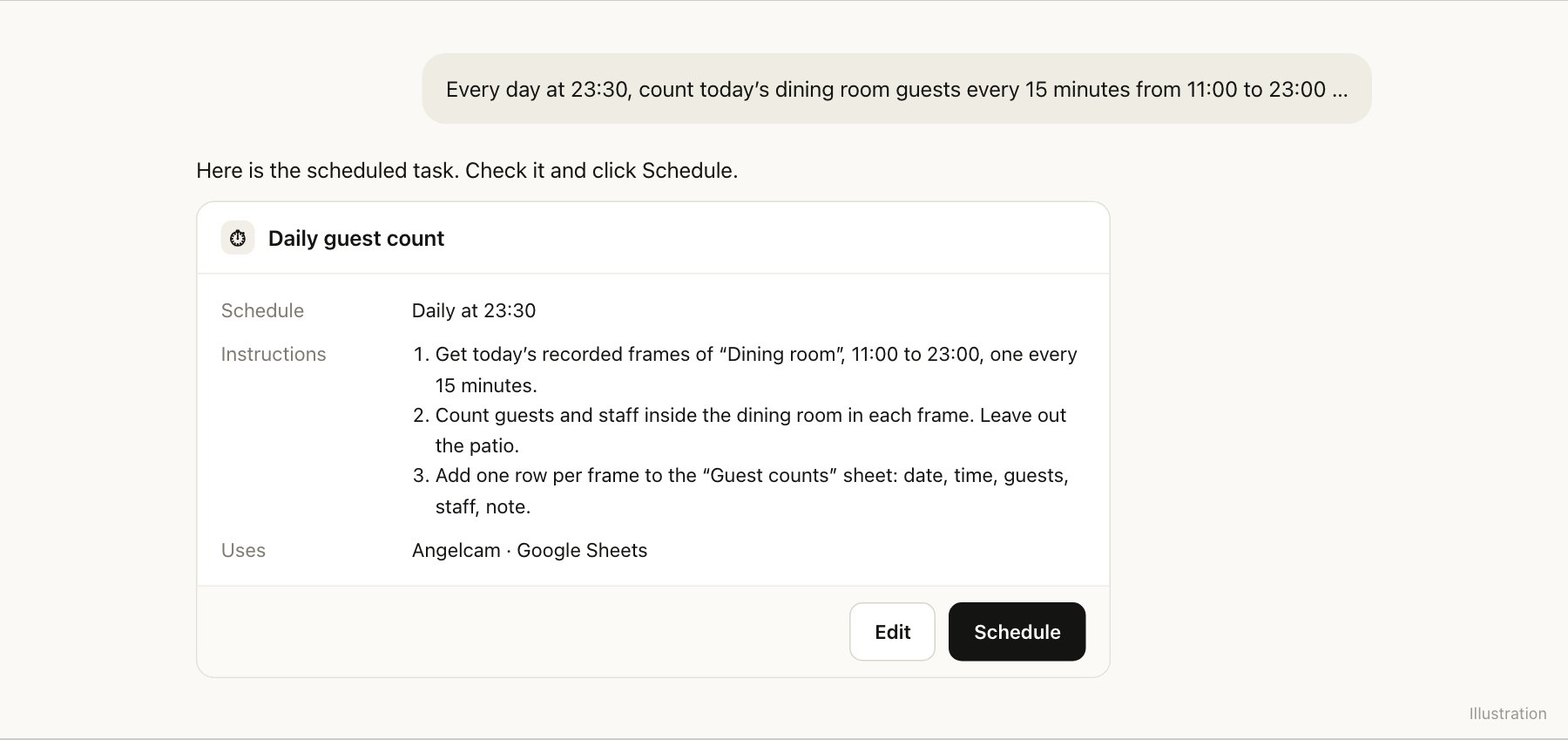
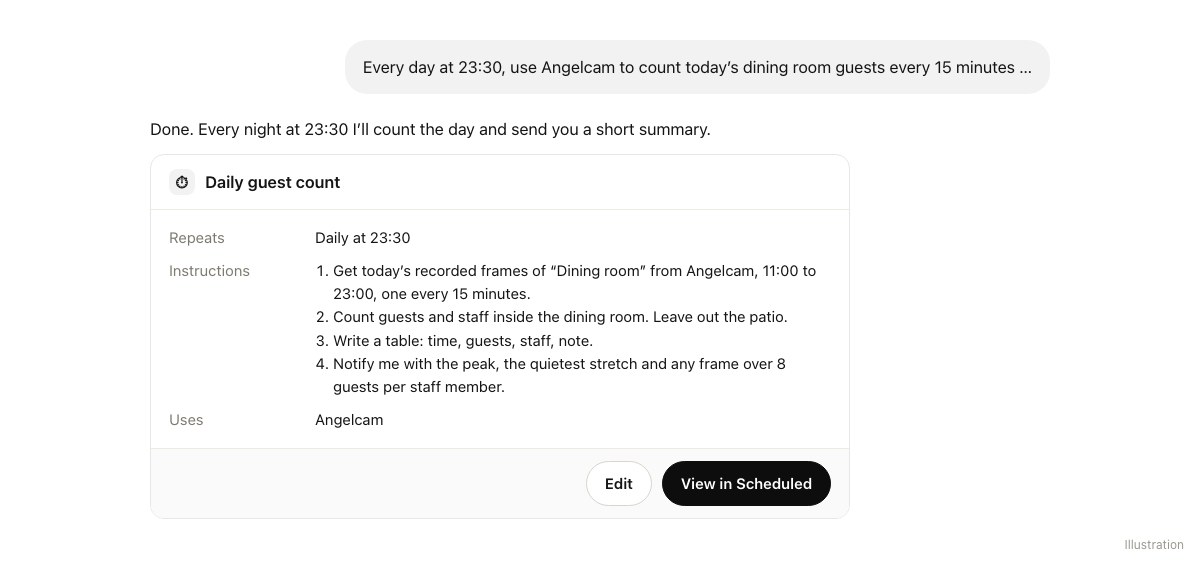
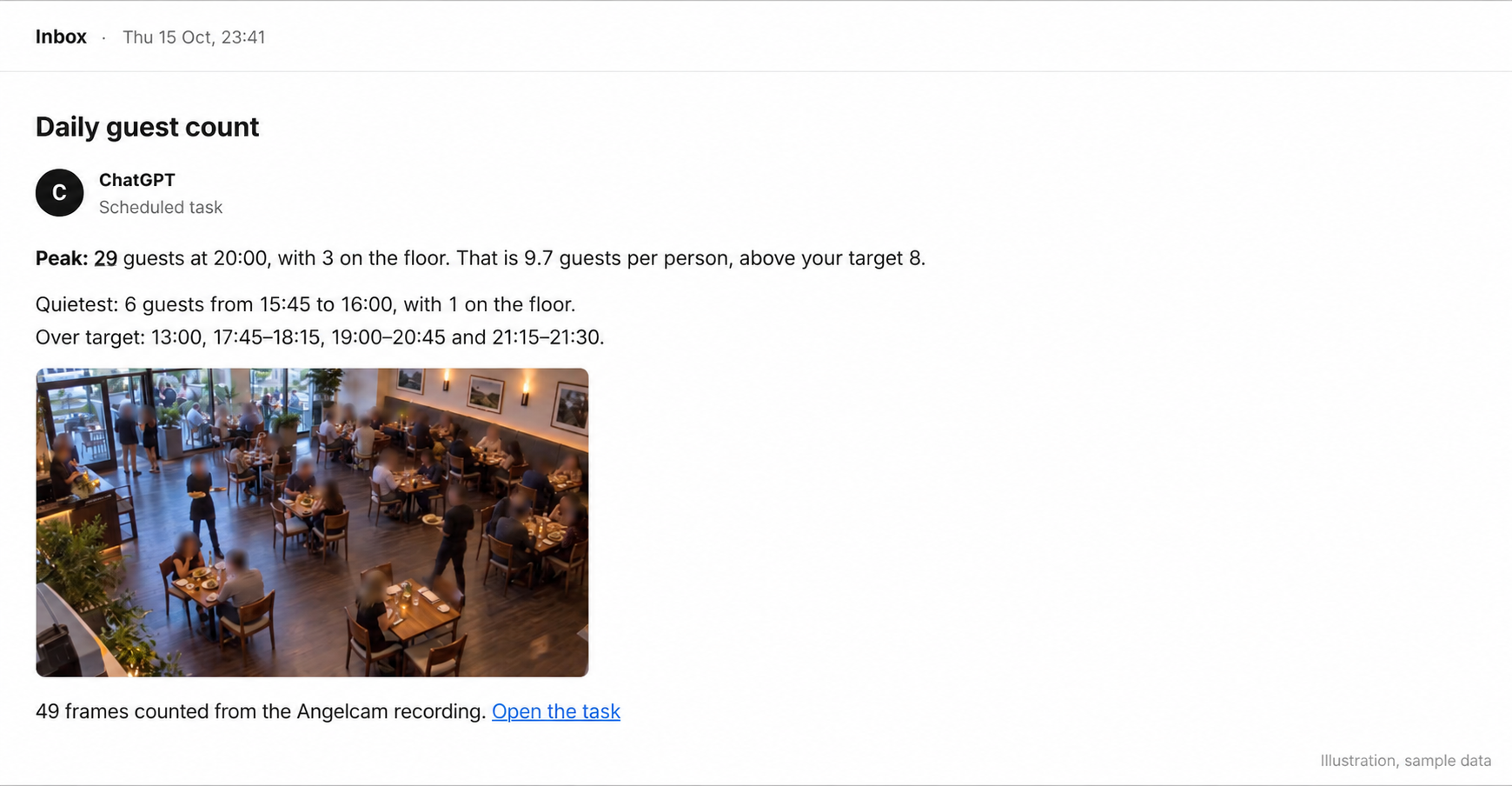
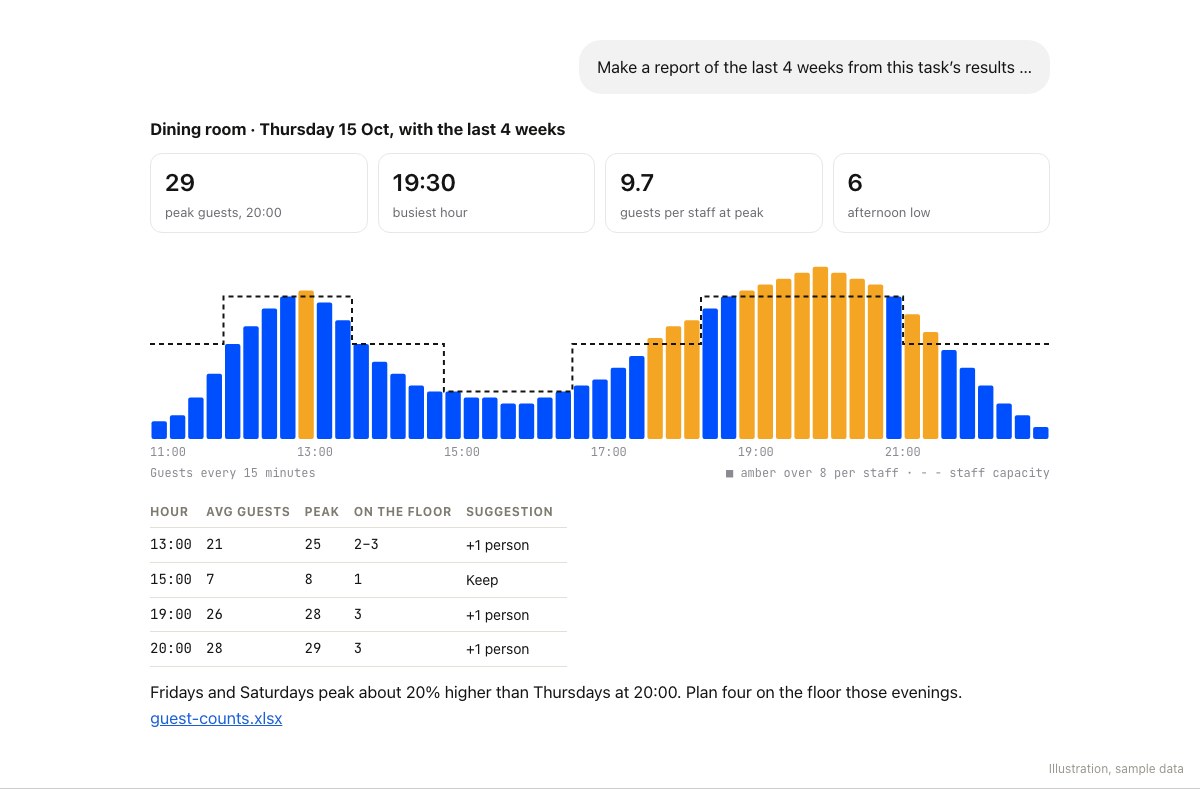
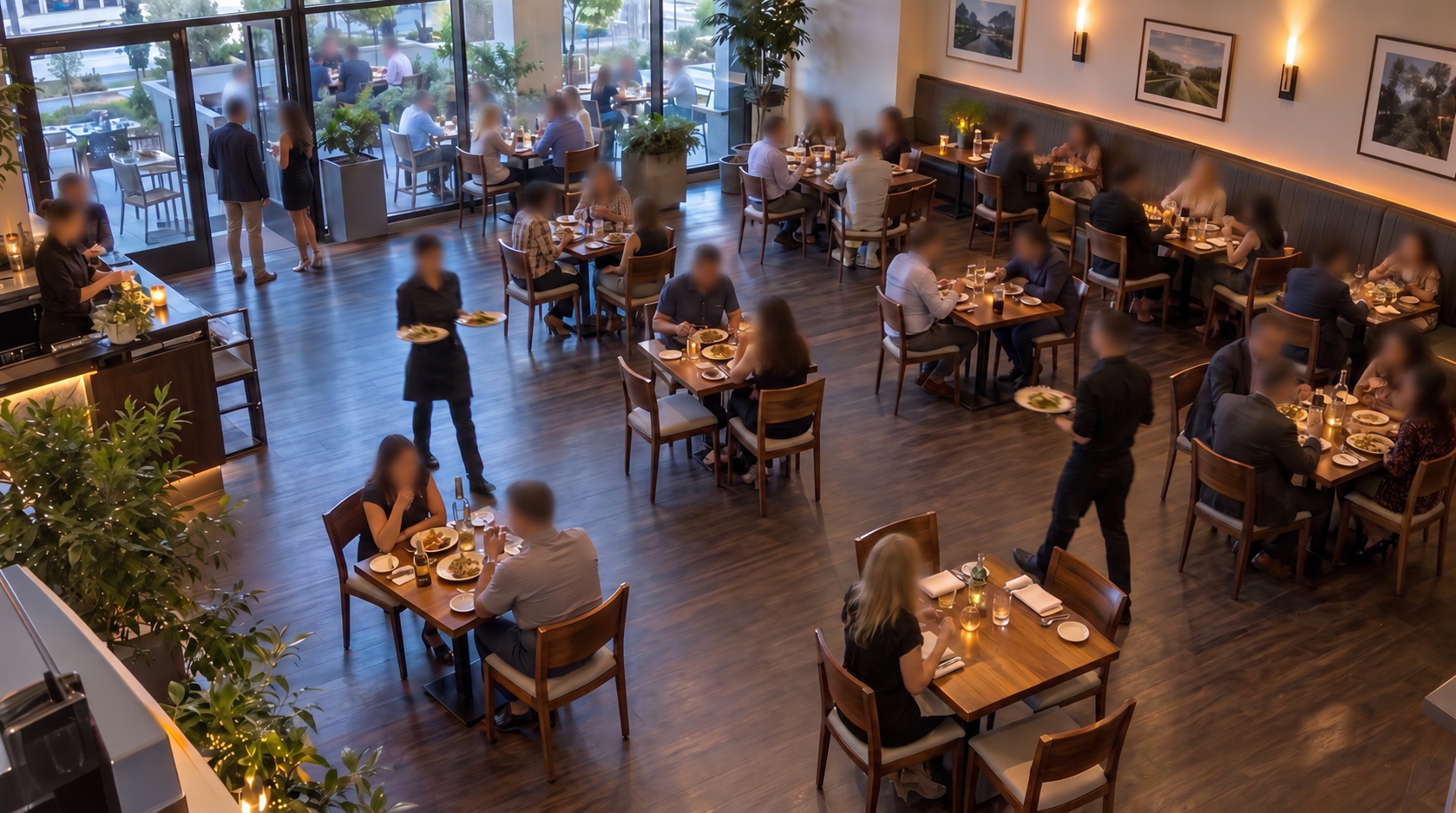
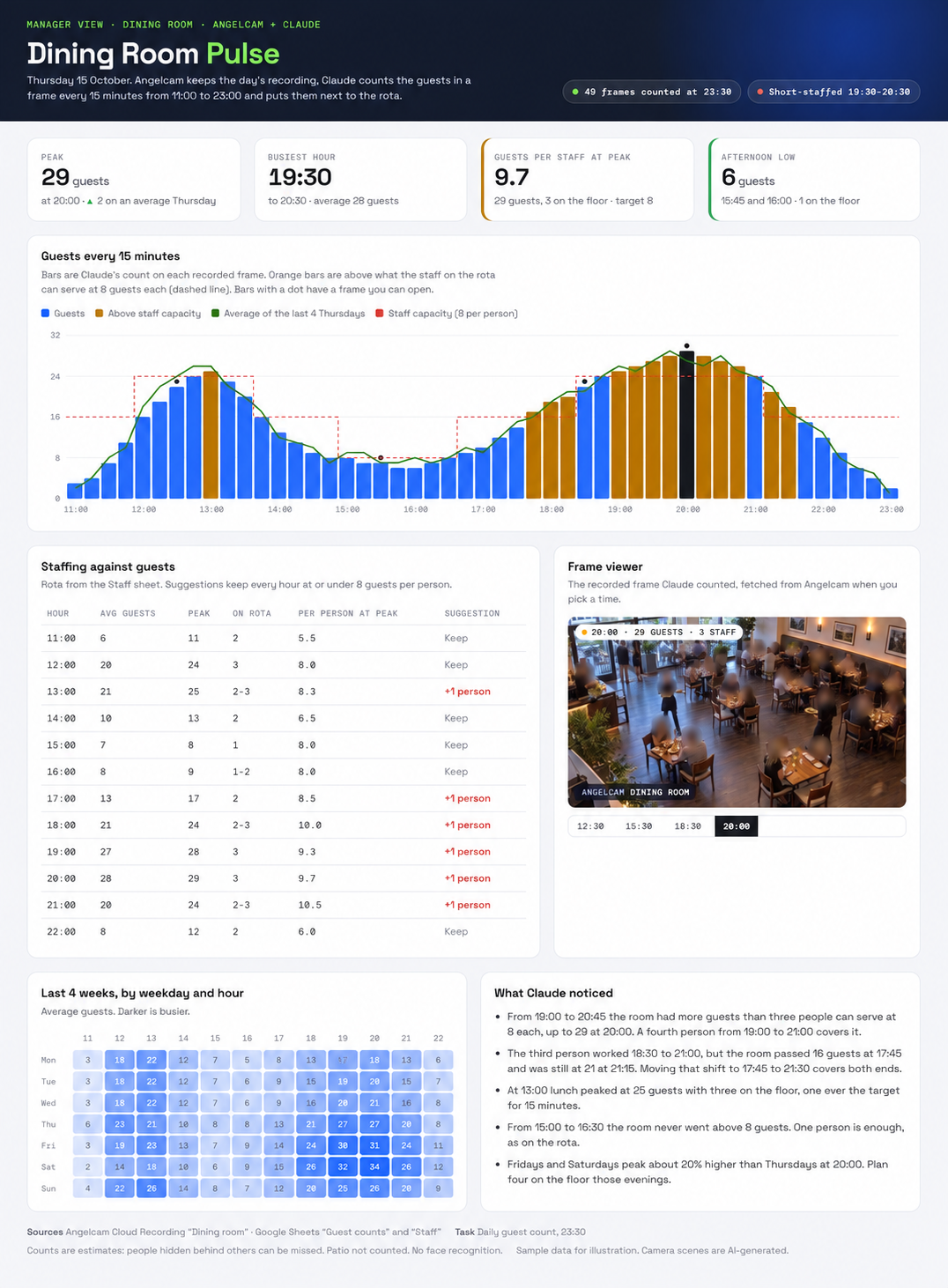
Count the room during service, save each observation and build the day’s report from the samples you collected.
No Cloud Recording required.
Use live snapshots with your assistant
Prompt
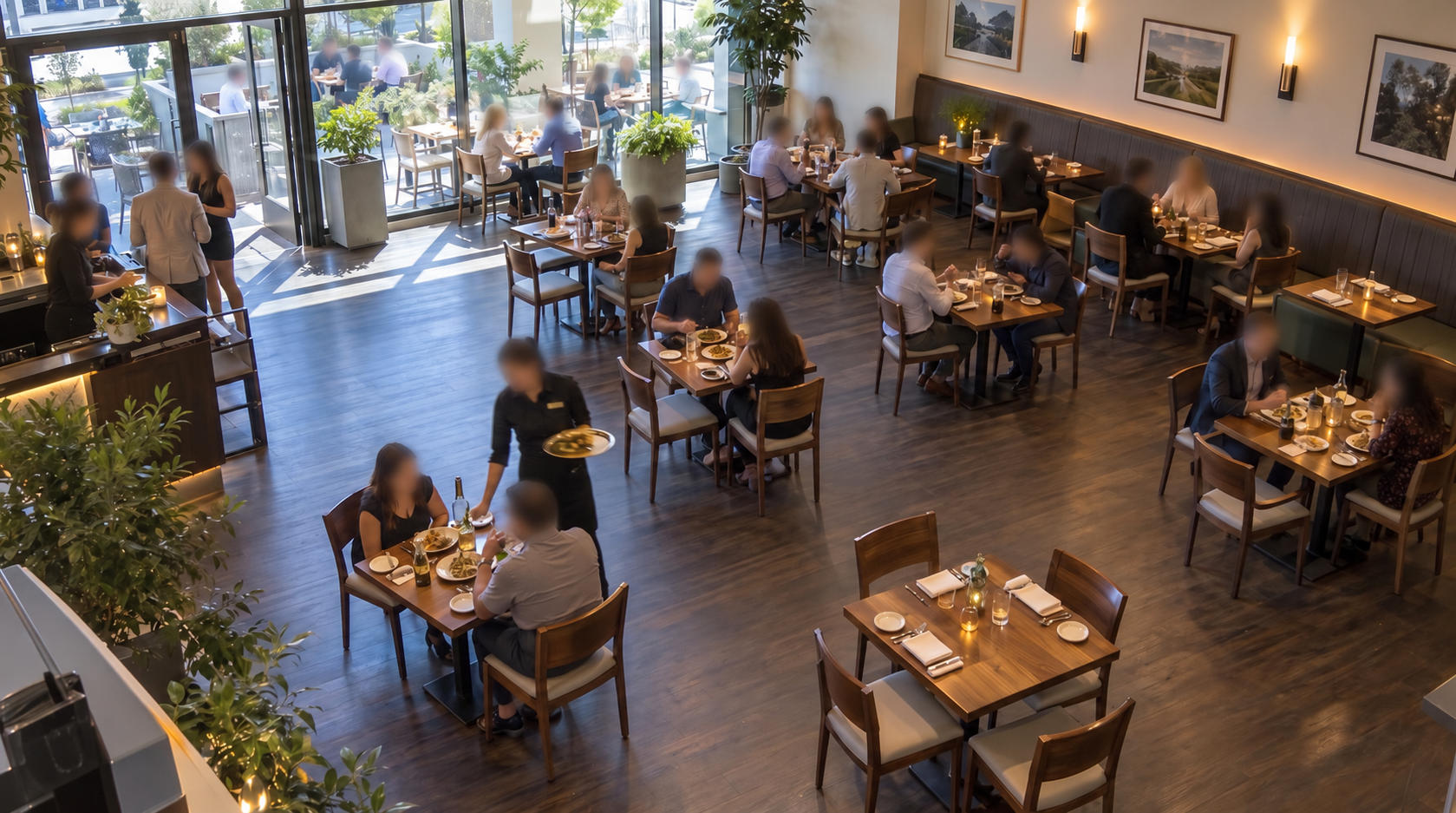
Use live snapshots for the guest-count guide. During service, take a fresh Angelcam snapshot of “Dining room” at each scheduled check. First confirm a sampling interval supported by my assistant. Count guests and staff separately, excluding the patio and reflections. Save the camera, timestamp, counts and uncertainty in the configured log without duplicate rows. At the end of service, report the busiest sampled periods and missing checks. Never backfill missed live checks with invented counts or present the sum of snapshots as unique daily visitors.
Copy