Security & property
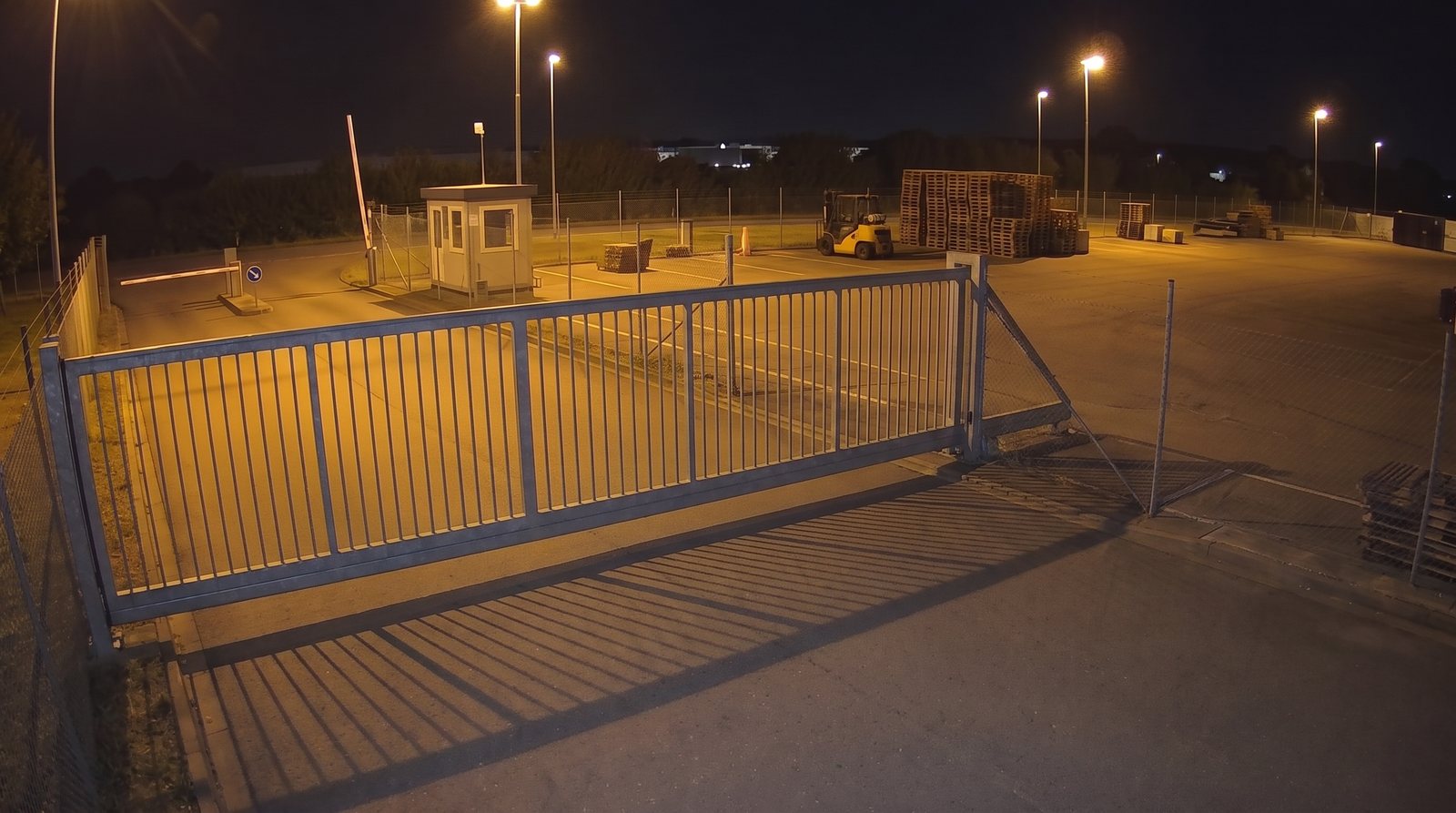
Is the gate closed?
Check your gate after closing, flag open checks and turn the results into a useful report.


Angelcam MCP Connector · Guides
Step-by-step guides that turn a camera you already have into a check your AI agent can run. Pick a use case, choose Claude, ChatGPT or Grok Bot, and build your first workflow.
The guide library
Pick a real-world problem. Make it work with your cameras.
6 guides · 3 assistants
Security & property
Check your gate after closing, flag open checks and turn the results into a useful report.

Business operations
Count guests from live or recording snapshots and see when your dining room is busiest.
Security & property
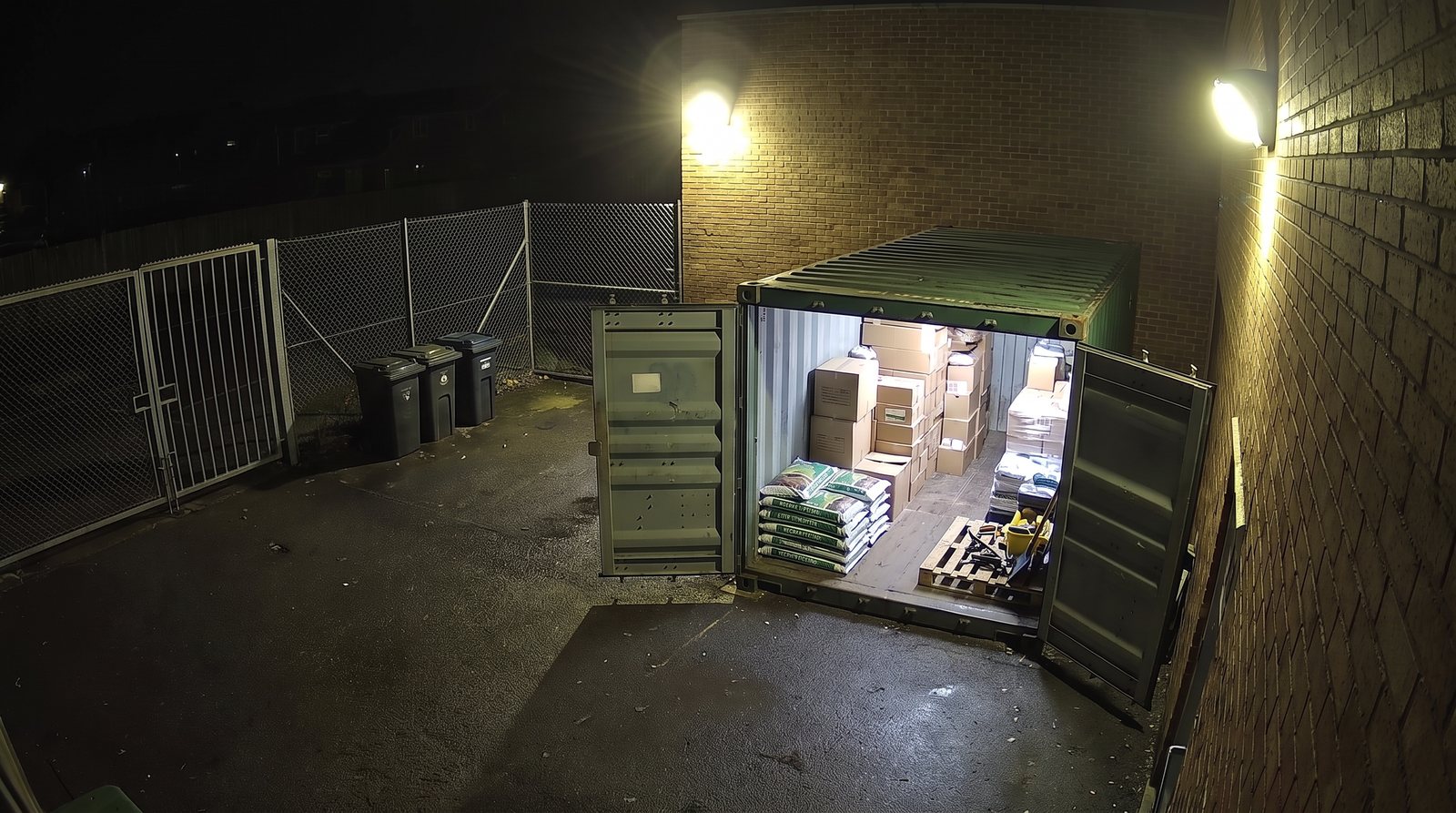
Check the storage doors overnight and build an alert workflow for the person responsible.
Animal welfare
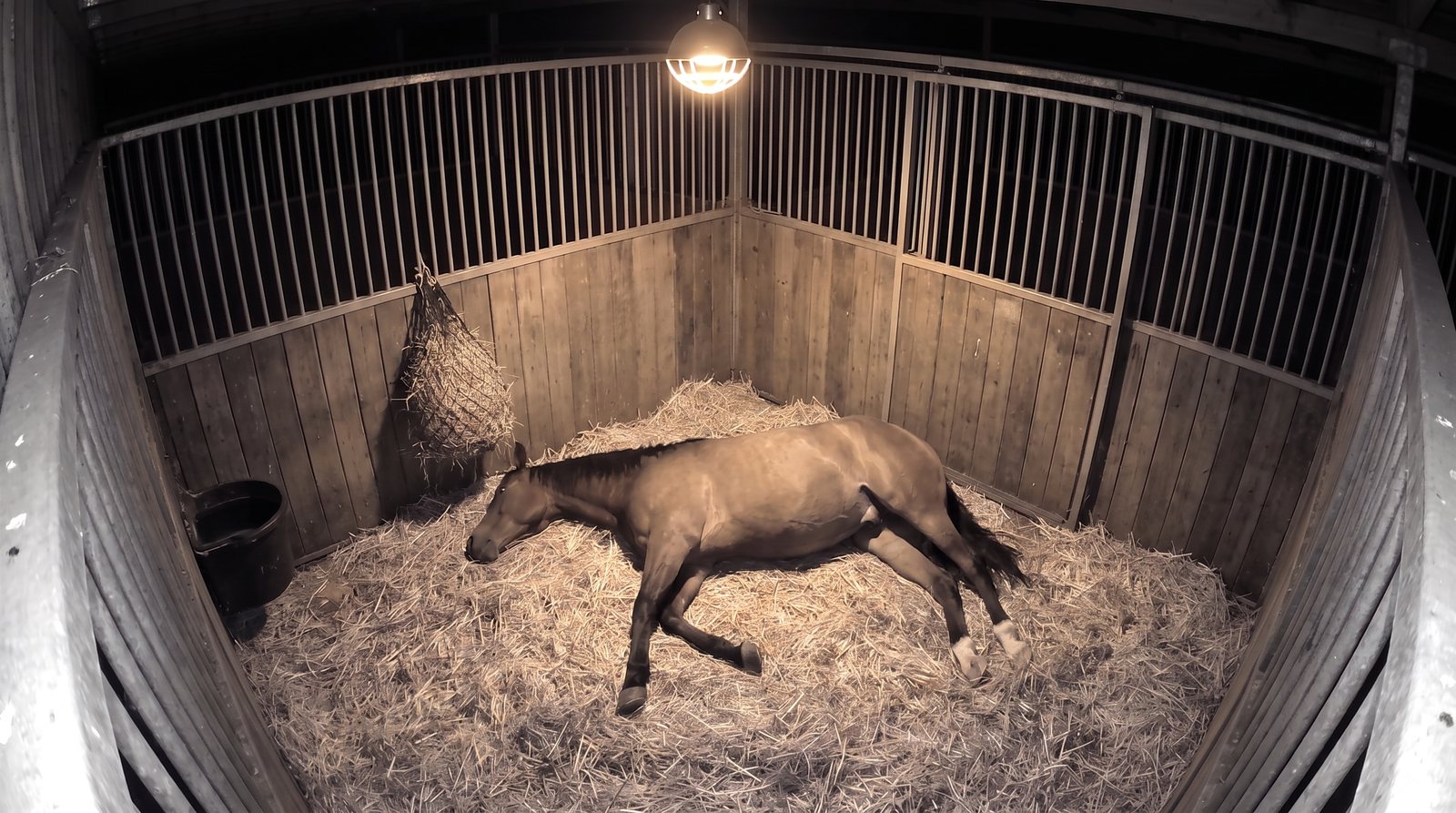
Review posture changes from live or recording snapshots and collect observations to share with your vet.
Security & property
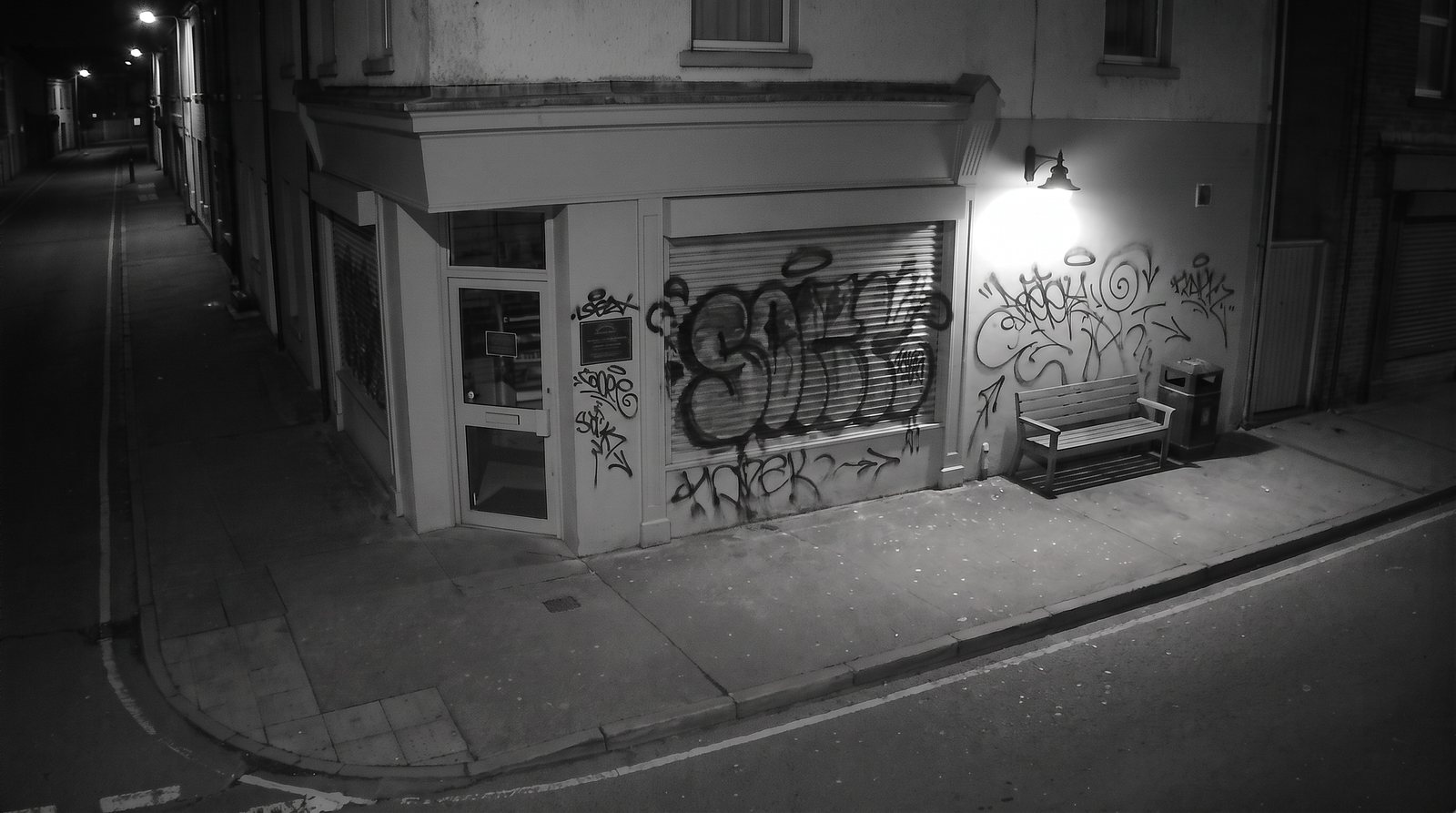
Compare views, investigate new damage and collect the frames around the change.
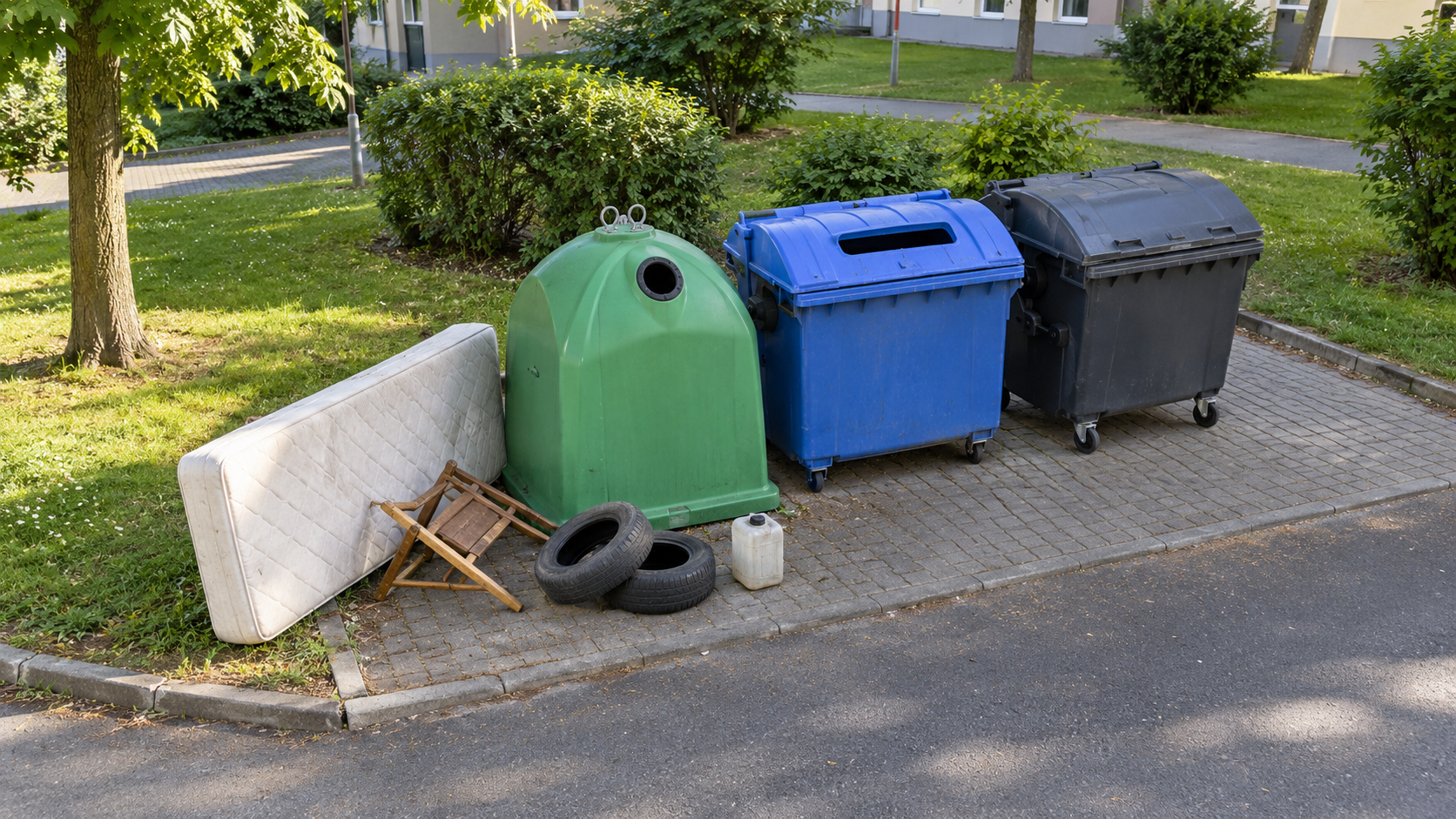
Municipal services
Flag bulky waste and other items beside containers, then send the images to an authorized employee for review.
BEFORE YOUR FIRST GUIDE
Connect your camera to Angelcam, then give your assistant access through the MCP Connector. Each guide takes it from there.
Open the connection guide ↗Start with a camera connected to your Angelcam account.
Choose Claude, ChatGPT or Grok Bot and connect Angelcam.
Follow a guide, check the result and adapt it to your site.
These guides use prompts and connected tools. Each guide lists its requirements, including any additional apps or services.
No. Every use case works with live snapshots or recording snapshots. Live snapshots support checks from now on without Cloud Recording. To review earlier times using recording snapshots, you need Cloud Recording and footage within your retention period.
Choose the one you use. All guides have Claude, ChatGPT and Grok Bot editions. Steps, connected apps and outputs differ by assistant. Scheduled workflows still need testing before these drafts are published.