Connect anything
Bring RTSP, ONVIF, AngelBox, or embedded Connector devices online without public IPs or port forwarding.


Build something people can use every day—whether it watches over animals, keeps a gate secure, finds free parking spaces or solves a problem only you have noticed.
Angelcam handles the infrastructure between physical cameras and the experience you sell. Start small with our APIs, then grow into a fully branded product without rebuilding the foundation.
Bring RTSP, ONVIF, AngelBox, or embedded Connector devices online without public IPs or port forwarding.
Live streams, cloud recordings and a rolling engine buffer give your product the right video at the right time.
Bring your workflow, data, AI models and industry expertise. Our open APIs make the platform yours to shape.
Deliver apps, hardware, alerts and services behind your own brand, pricing and customer relationship.
Connect an MCP-compatible assistant to Angelcam and give it secure, read-only access to the camera context behind your business. Ask in plain language, retrieve the right evidence, and compose camera intelligence into larger workflows.
 Claude
 ChatGPT
 Grok Bot
 Muse
Muse Gemini
get_current_userVerify the connection and show the active Angelcam space.list_locationsLocations with armed status and camera counts.list_camerasCameras, filtered by location, online status, or codec.find_cameraResolve a partial name, tag, or location hint to camera IDs.get_cameraSafe metadata for one camera, without stream URLs or event hashes.get_camera_snapshot✱Latest snapshot with its age and a stale warning.get_live_stream_urlLive stream URL in HLS, MJPEG, or fMP4.list_recordingsCloud Recording configuration for a camera.get_recording_timeline✱Segments and real gaps for a window of up to 24 hours.get_recording_stream_urlPlayback URL for a recorded window.list_incidents✱Real Time Security incidents for the connected user.get_health_summary✱Offline cameras, stale snapshots, recordings, and incidents in one call.get_site_health_briefingOps-ready briefing of what needs attention, with follow-up IDs.Describe what matters in plain language. The MCP Connector gives your AI access to the right security camera context so it can check a state, track it over time and alert you when it changes.

Check a stable camera on a schedule, track posture changes and surface unusual periods for human review.
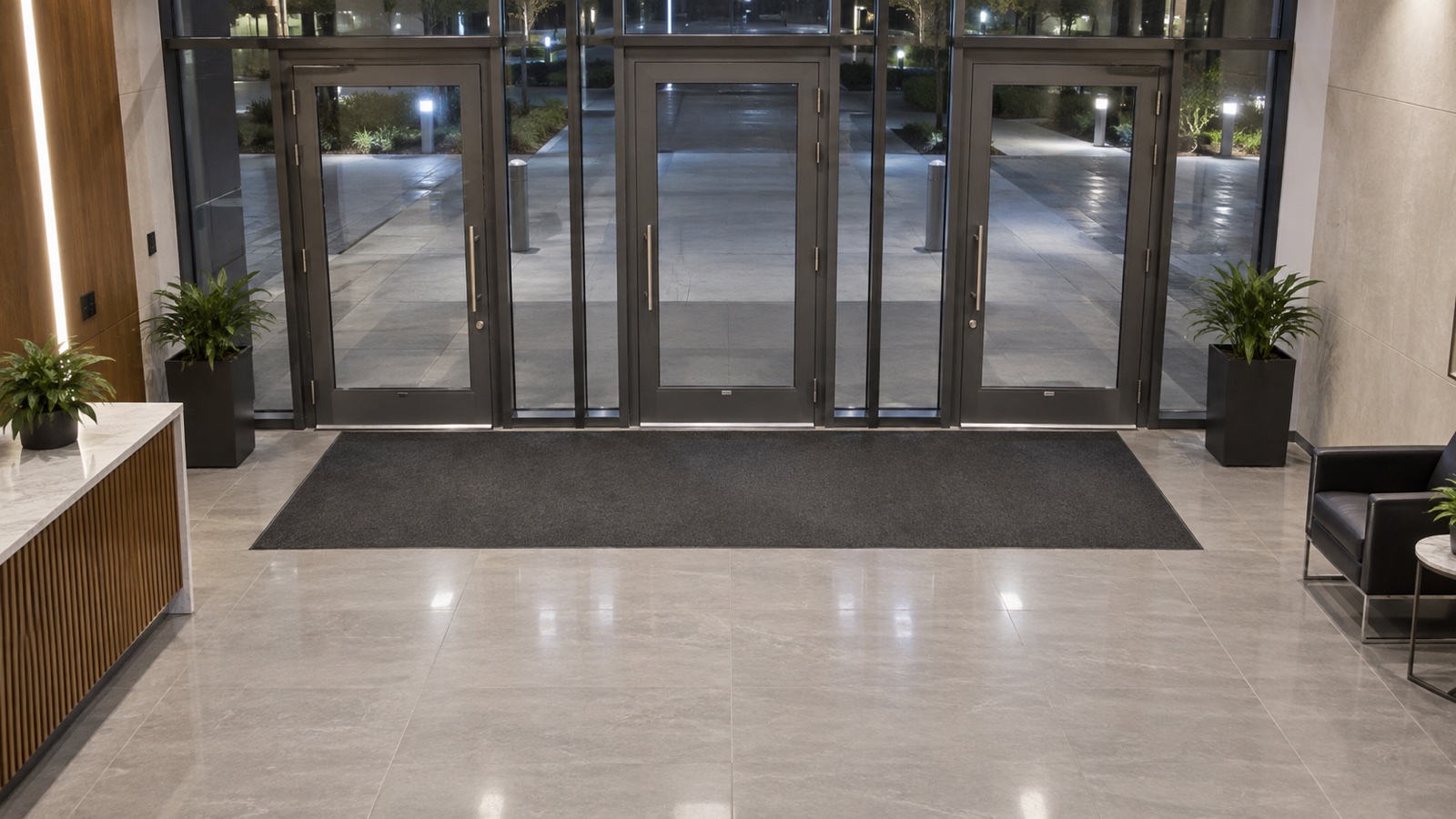
Verify visible entry points after closing time and create an exception only when a door remains open.
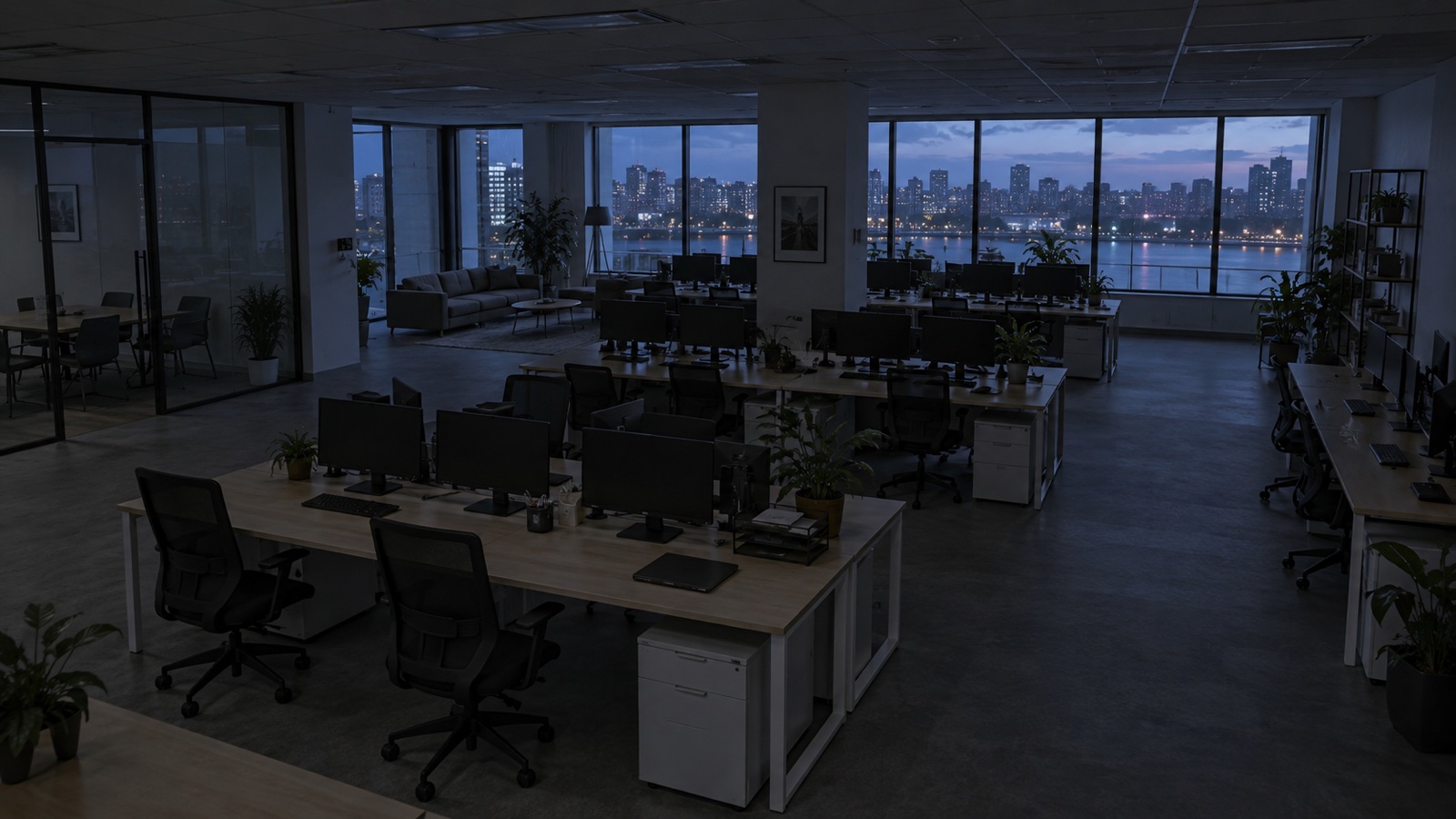
Confirm lighting state outside business hours, compare it with schedules and flag avoidable energy use.
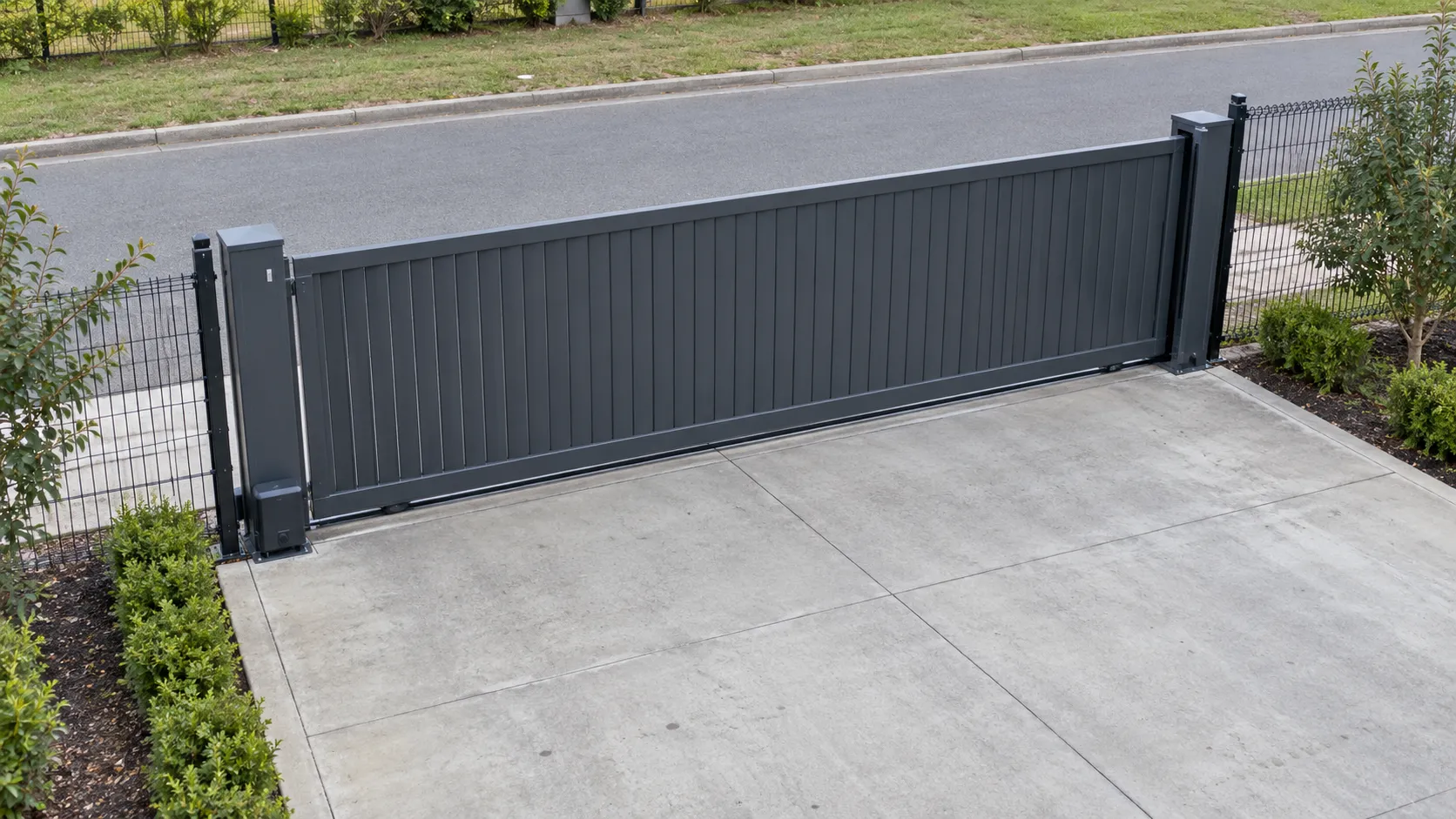
Track access points continuously and notify the right workflow when the visible state no longer matches policy.
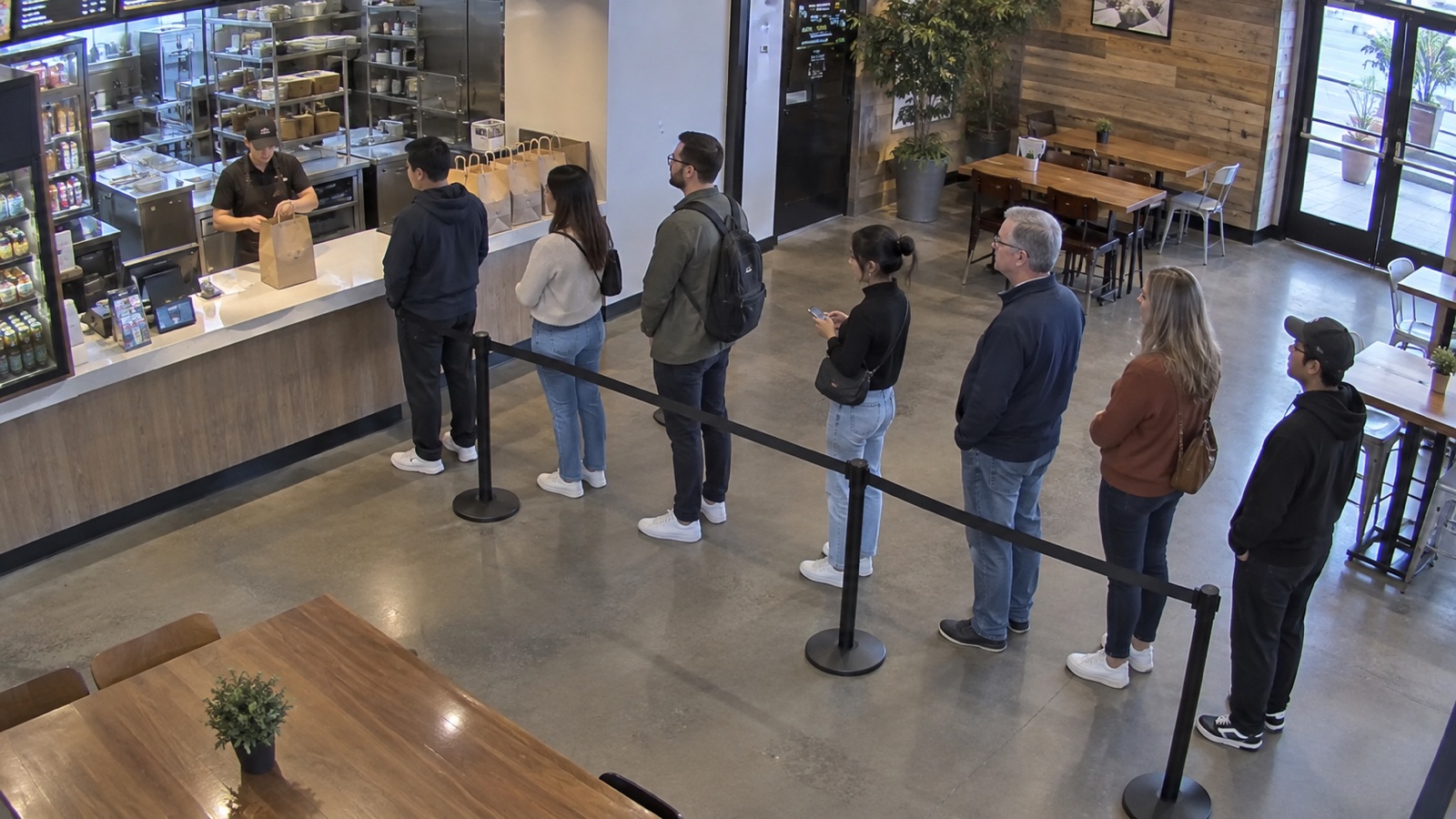
Measure visible waiting lines, track peak periods and alert teams before service levels begin to slip.
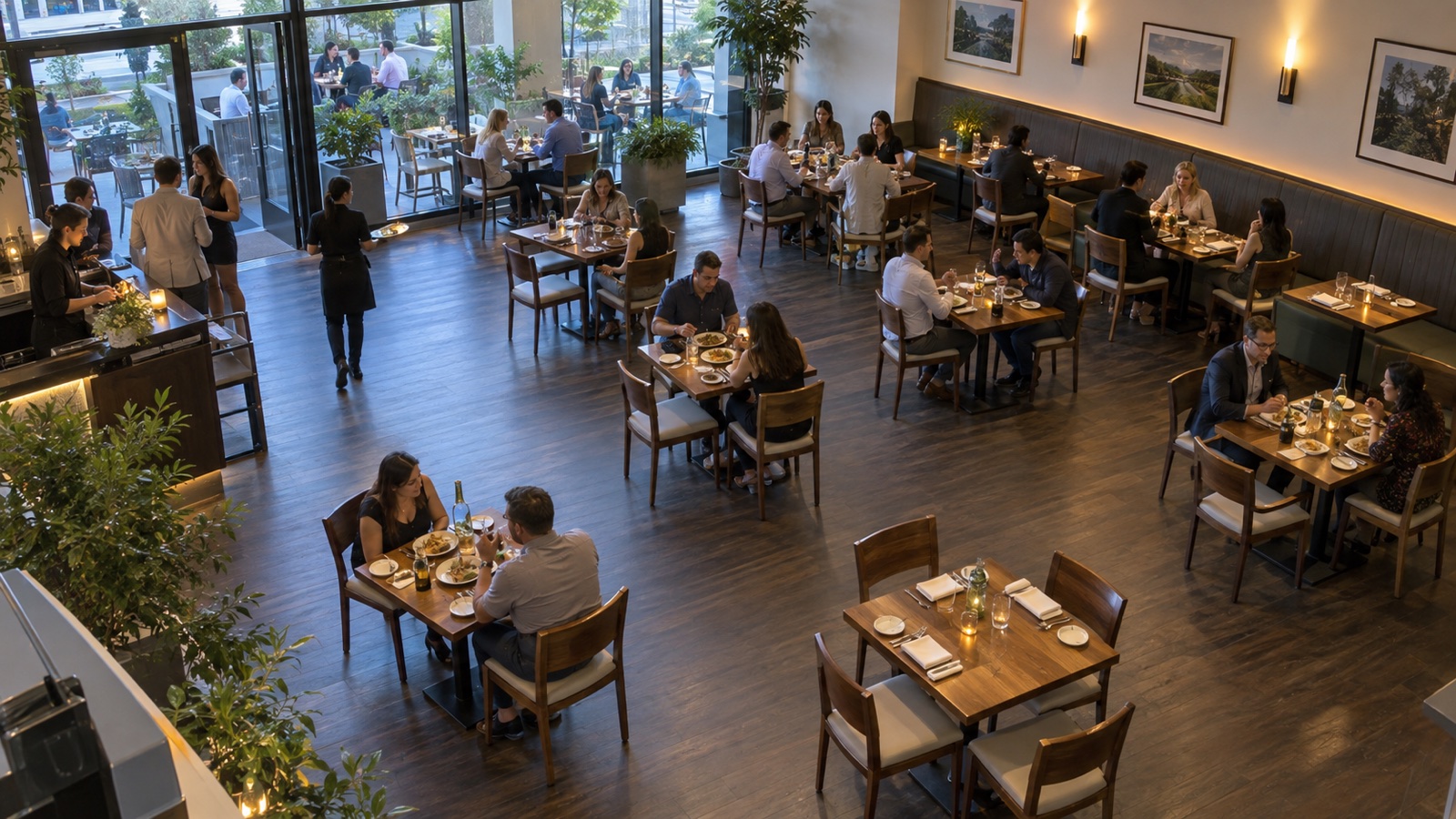
Estimate visible occupancy, compare it with operating limits and feed live capacity into customer experiences.
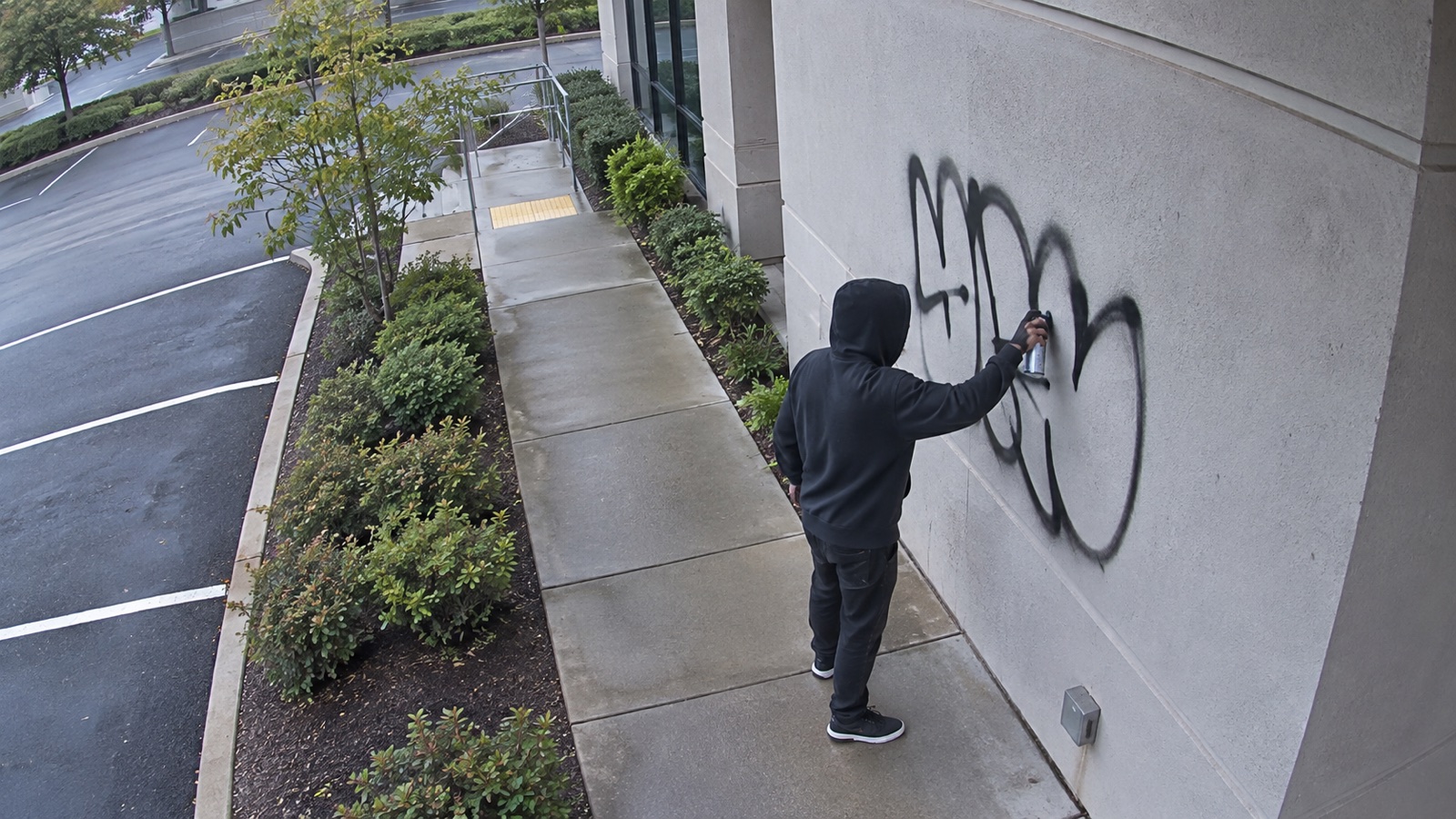
Recognize visually specific activity and route the evidence to a human before property damage escalates.
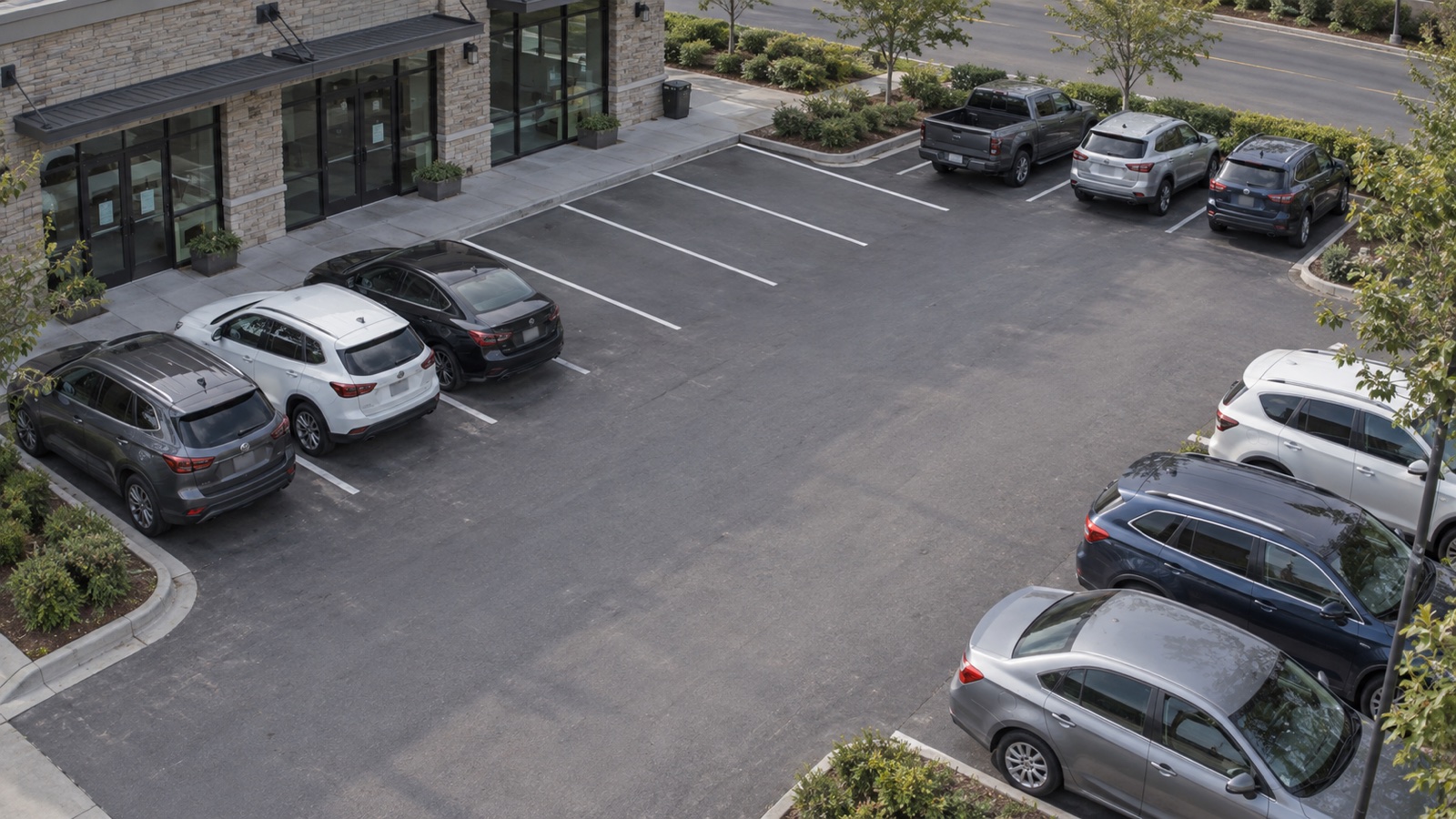
Turn ordinary parking cameras into live availability signals and flag vehicles that need review.

Compare visible equipment and supplies with the expected setup, then surface gaps before a shift starts.
Capture an image on a schedule and let AI evaluate what is visibly true. Each check can return a yes-or-no answer, a count, a status or a change from an earlier or reference image.
Each guide will take you from connecting a security camera and configuring the Angelcam MCP Connector to defining the question, validating the result and running the check reliably.
From Angelcam camera setup and MCP authorization to a reliable snapshot question, known-state tests and a safe handoff.

Build a scheduled welfare check that uses an Apify Actor to inspect the latest stable image and record a clear yes-or-no state.
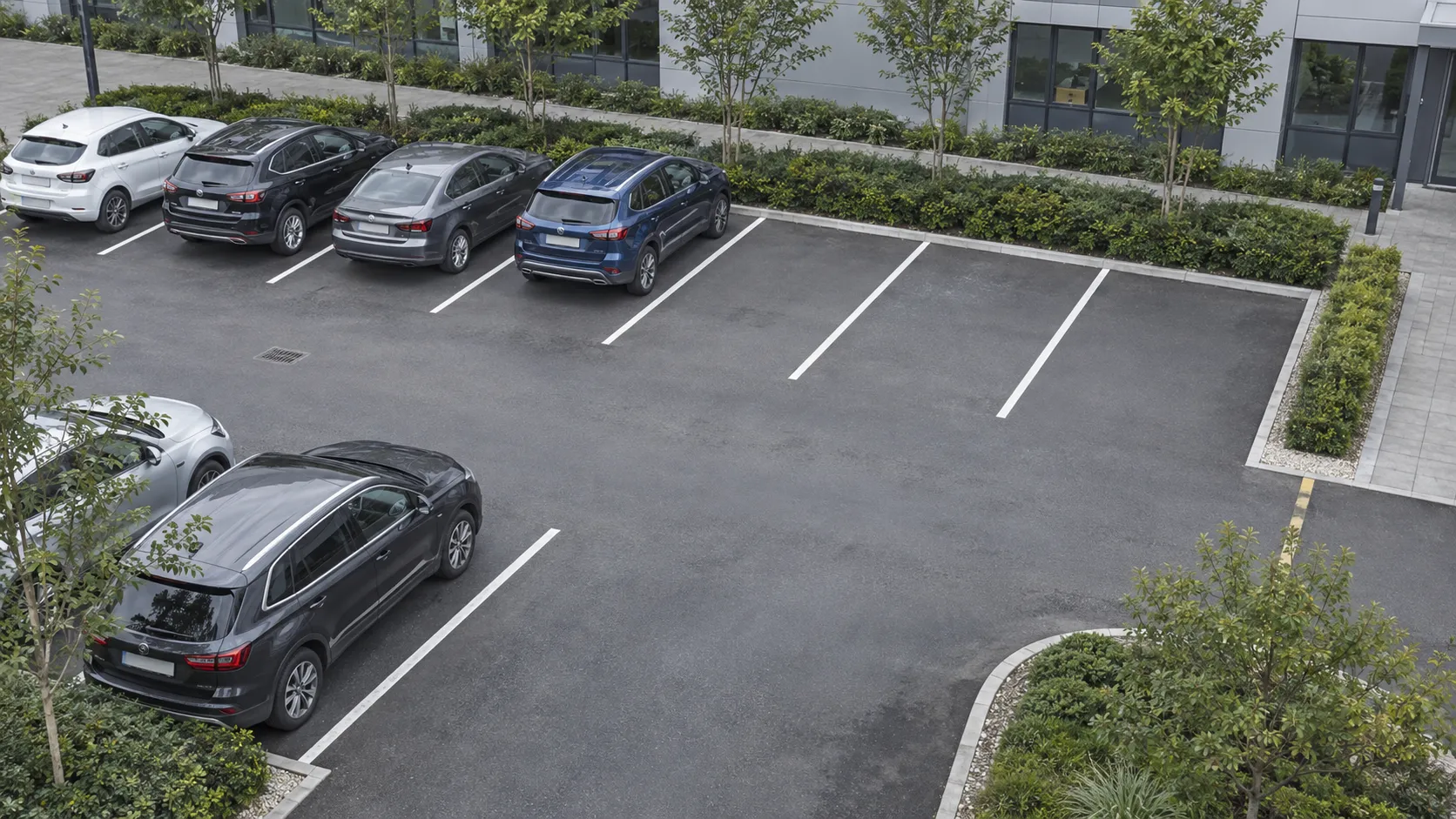
Give Grok Bot the latest parking view through MCP and turn its count of vacant marked spaces into a live availability signal.
Let Claude inspect a current gate snapshot through MCP, classify it as open or closed and explain uncertain results.
Bring the camera-powered use case you have in mind. I’ll help you find the shortest path from a visible condition to a working product.
Tell me what the camera can see, the answer you need and who will use it. I’ll point you toward the right Angelcam building blocks.
Share your use case → 02 / TALK IT THROUGH
We’ll map your use case, camera setup, MCP or API path and the first proof you should build—without turning it into a generic sales call.
Request a call →Pavel Kuba · Head of Growth, AngelcamAlready know what you want to build? Explore camera connectivity, streams, recordings, events and APIs, then bring me the open questions.
Open developer docs ↗Connect Claude, ChatGPT or another compatible MCP client to Angelcam. Ask what is offline, which snapshots are stale, where recordings have gaps or what incidents happened—without giving the assistant permission to change anything.
Add Angelcam as a custom connector, sign in once and ask about the cameras your Angelcam account can already see. Claude Free, Pro and Max support custom connectors; Claude Code connects with one command.