Menu


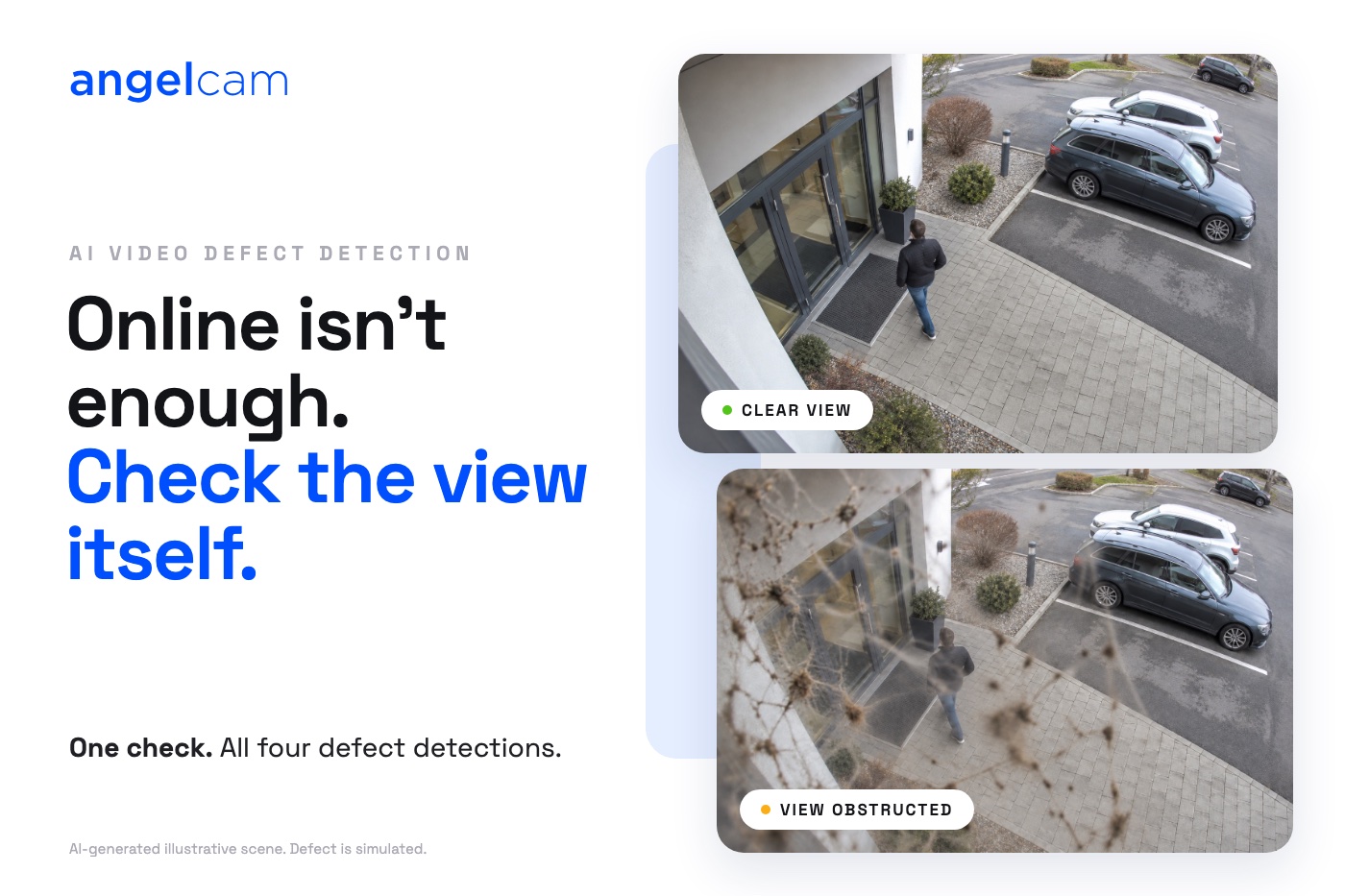
Is anything missing from the site yard? Is the parking lot full? Is the horse lying down? Your cameras can answer all of these. Somebody still has to look, again and again.
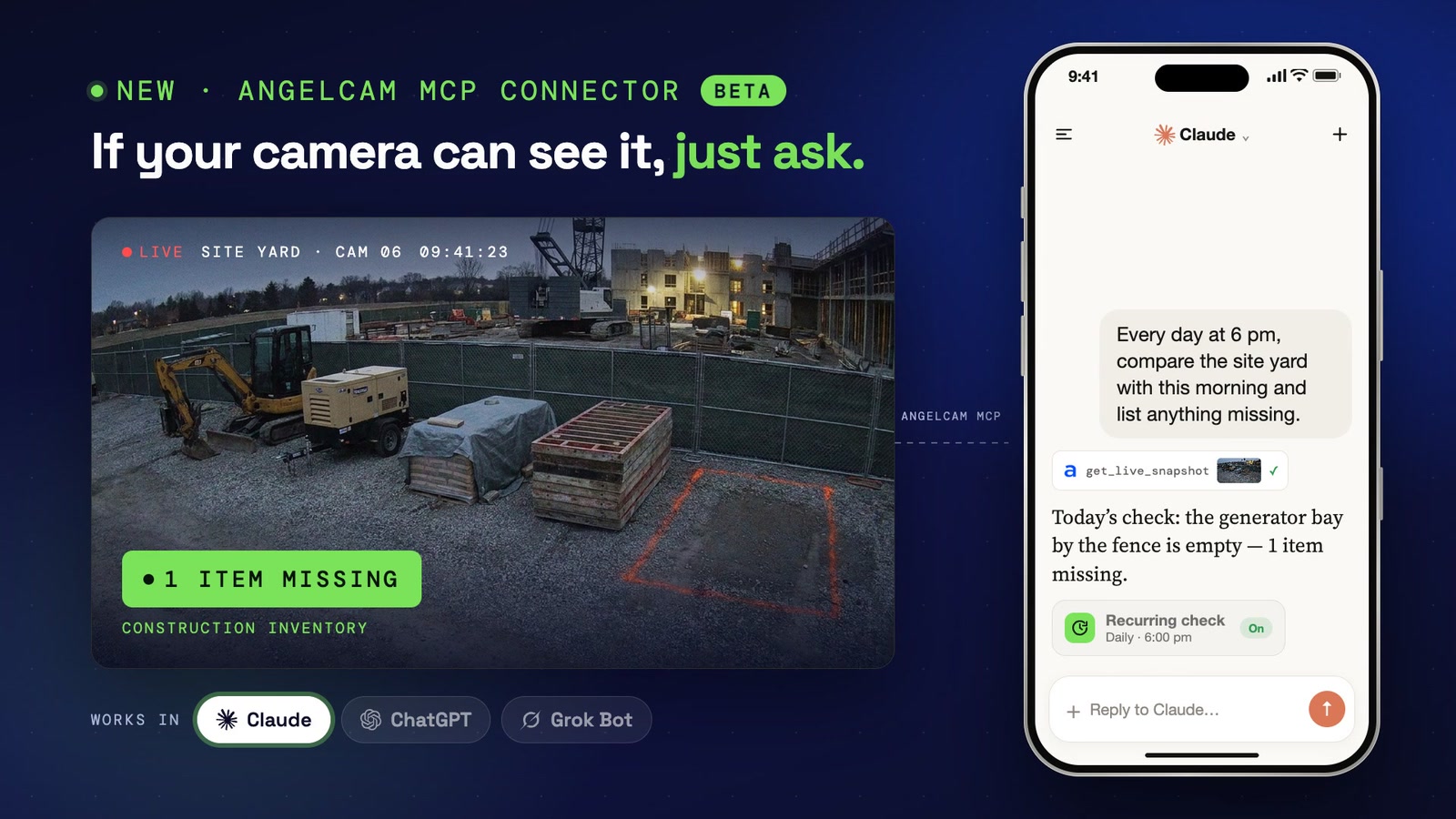
Today we are launching the Angelcam MCP Connector. It connects your cameras to the AI assistant you already use, so you can ask about them in plain language. If your camera can see it, just ask.
MCP, the Model Context Protocol, is an open standard that lets AI assistants connect to outside tools and data. Our connector gives your assistant secure access to your Angelcam account, under your own sign-in: your cameras, live snapshots, live streams, recordings and incidents. It’s included in every paid Angelcam plan at no extra cost. New to Angelcam? Try it free for 3 weeks.
It works in Claude, ChatGPT (paid plans), Grok Bot and any other MCP client, with any of the 200+ camera brands Angelcam supports.
Your assistant already knows your spreadsheets, Slack and calendar. Now it can see your cameras too:
Start with a question about right now:
In Claude and ChatGPT, a snapshot you ask for shows right in the chat, under the answer, with the camera name and the time.
Then hand over a check you would otherwise repeat yourself:
These are a few ideas. Your cameras can answer many more.
It reads your cameras and recordings. It never arms or disarms locations, changes camera settings or deletes anything. Your assistant sees only what you can see in MyAngelcam, and everything it reads, including the snapshots you ask for, goes to your AI provider, under your own terms with them. Want the strictest setup? There's a read-only URL, ideal for an admin connecting a whole team.
A recurring check is a second look, not an alarm. The schedule lives in your assistant, so how often it can run and how it notifies you depends on the assistant and the plan you use. Between two checks nobody is looking. If you need to know the moment something happens, that is still a job for a monitoring service.
The connector works, but it’s new, so it can make mistakes. We'd love to hear what works for you, what breaks and what you miss. Ask your assistant to send feedback to Angelcam (the connector has a tool for exactly that), or email hello@angelcam.com.
Give your AI agents eyes on the real world.